AI SEO tools that fit your growth stack
AI SEO tools have matured quickly. What started as a novelty layer atop existing keyword tools has become a full-fledged category, helping improve everything from research to AI search visibility.
 Koichiko

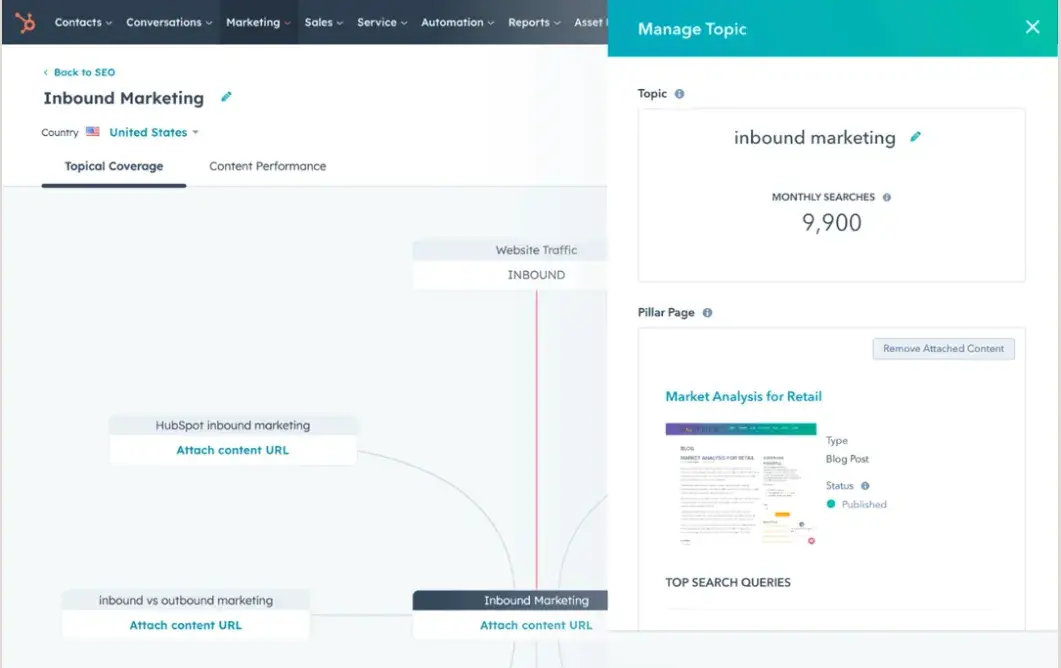
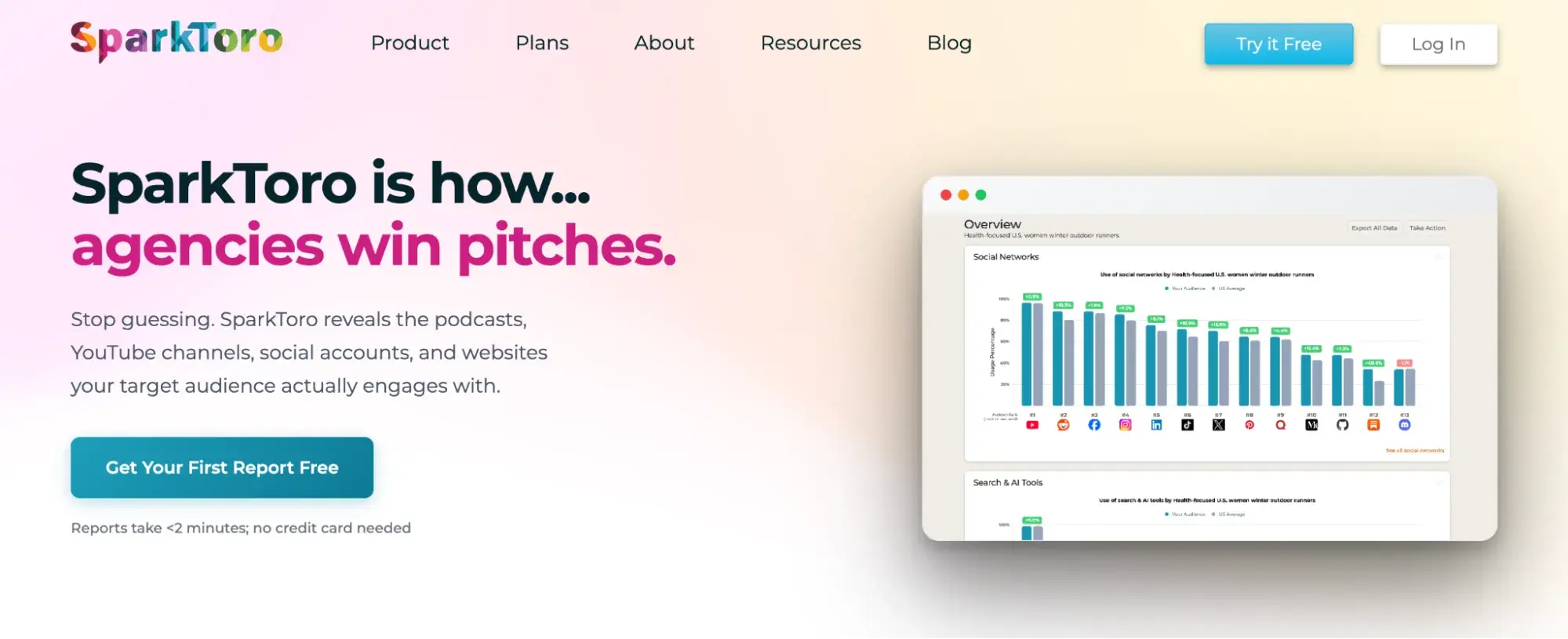
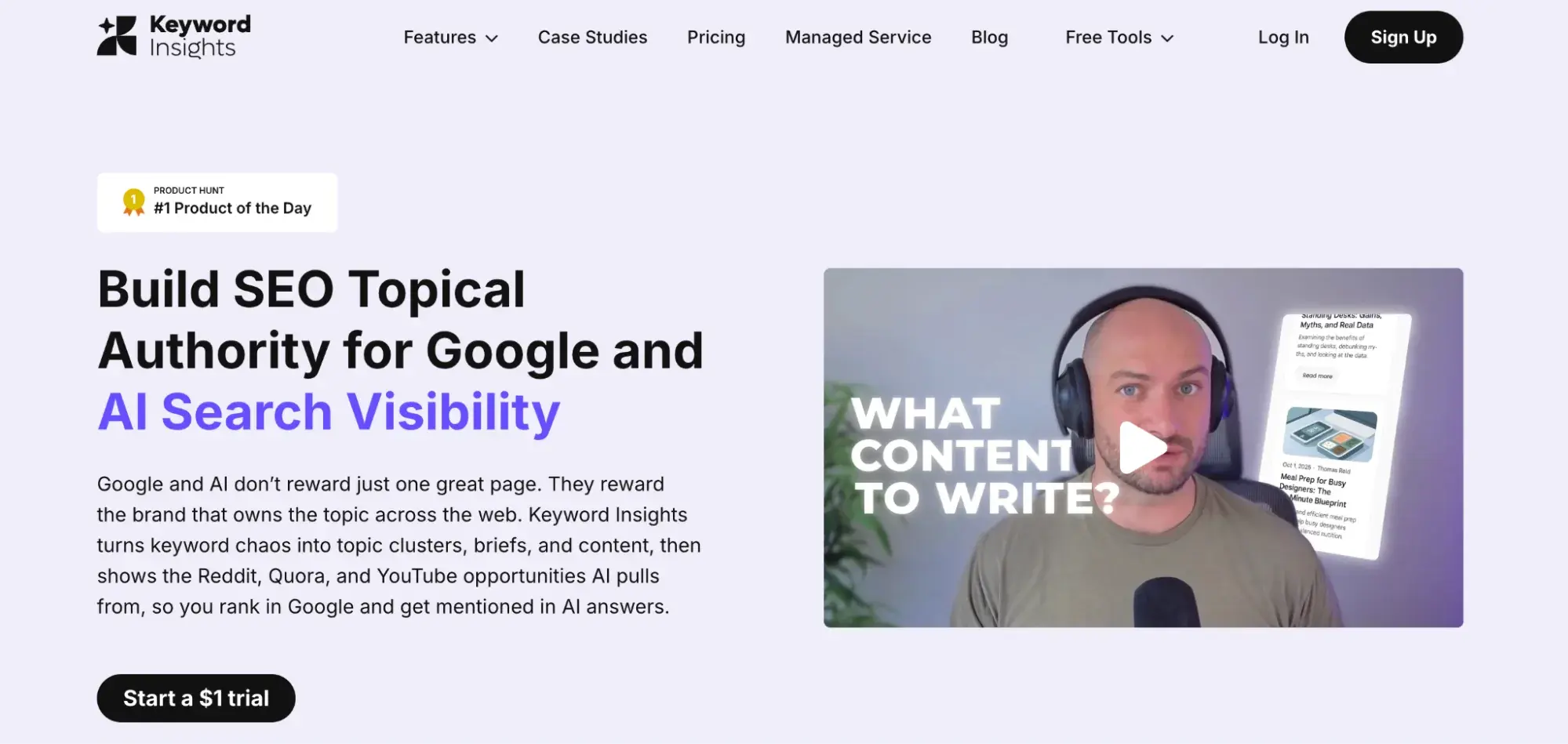
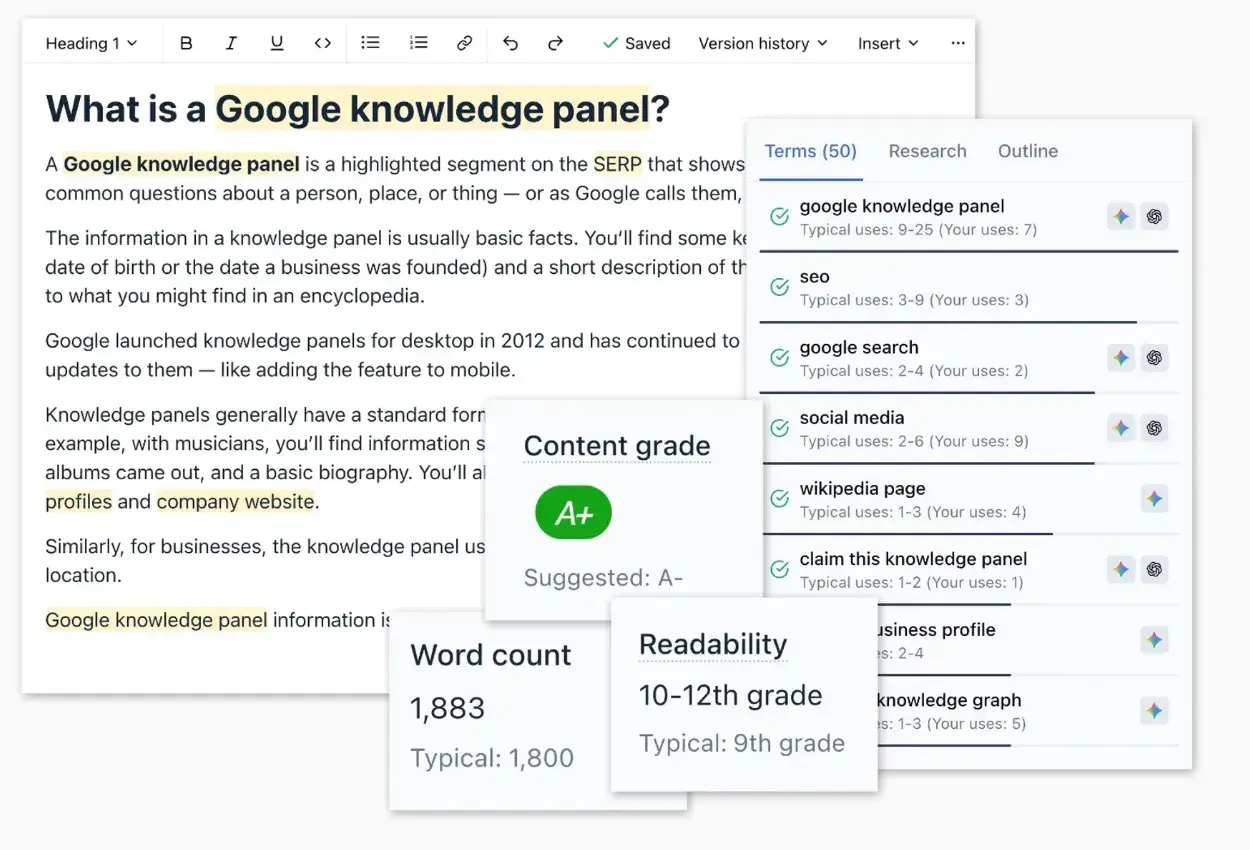
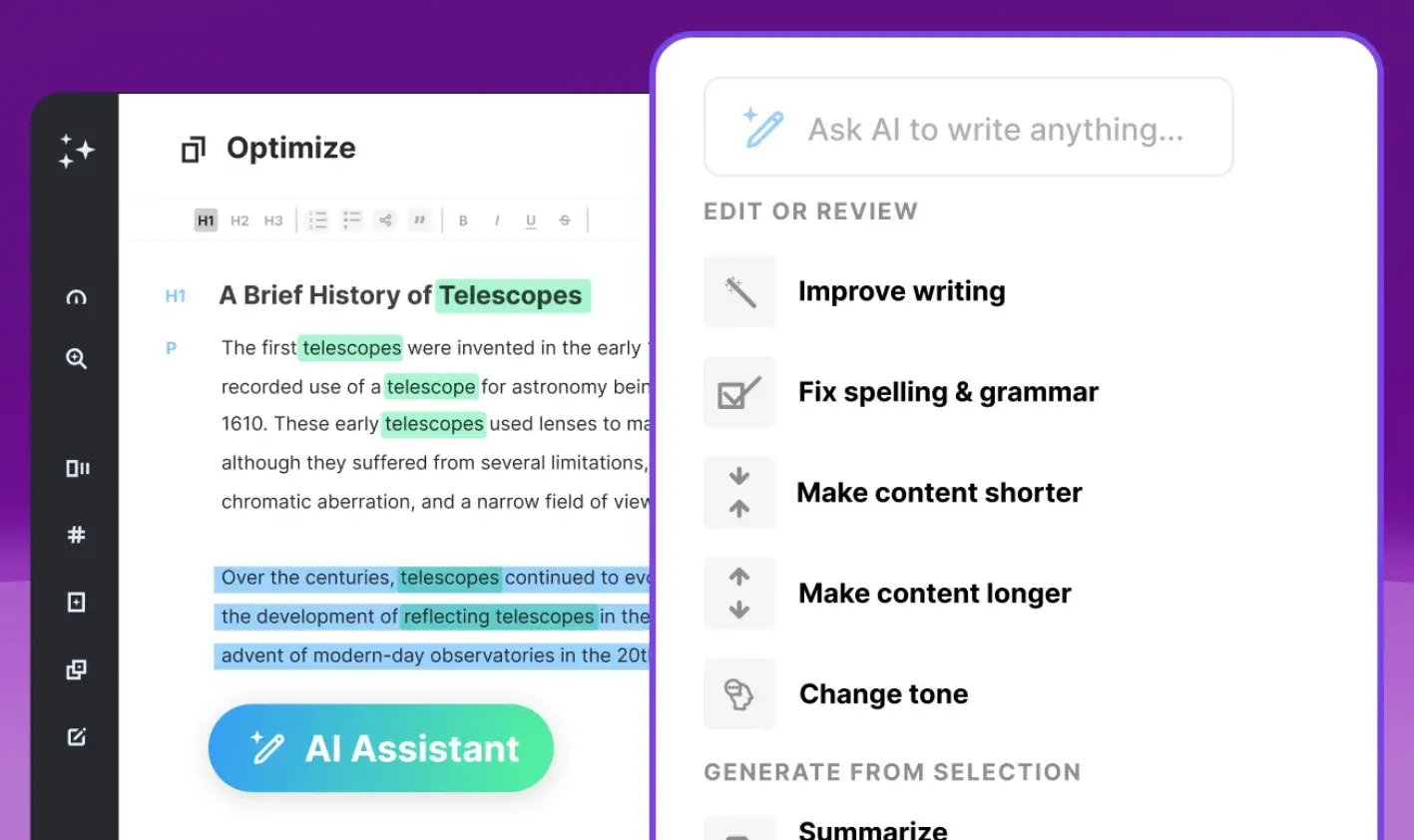
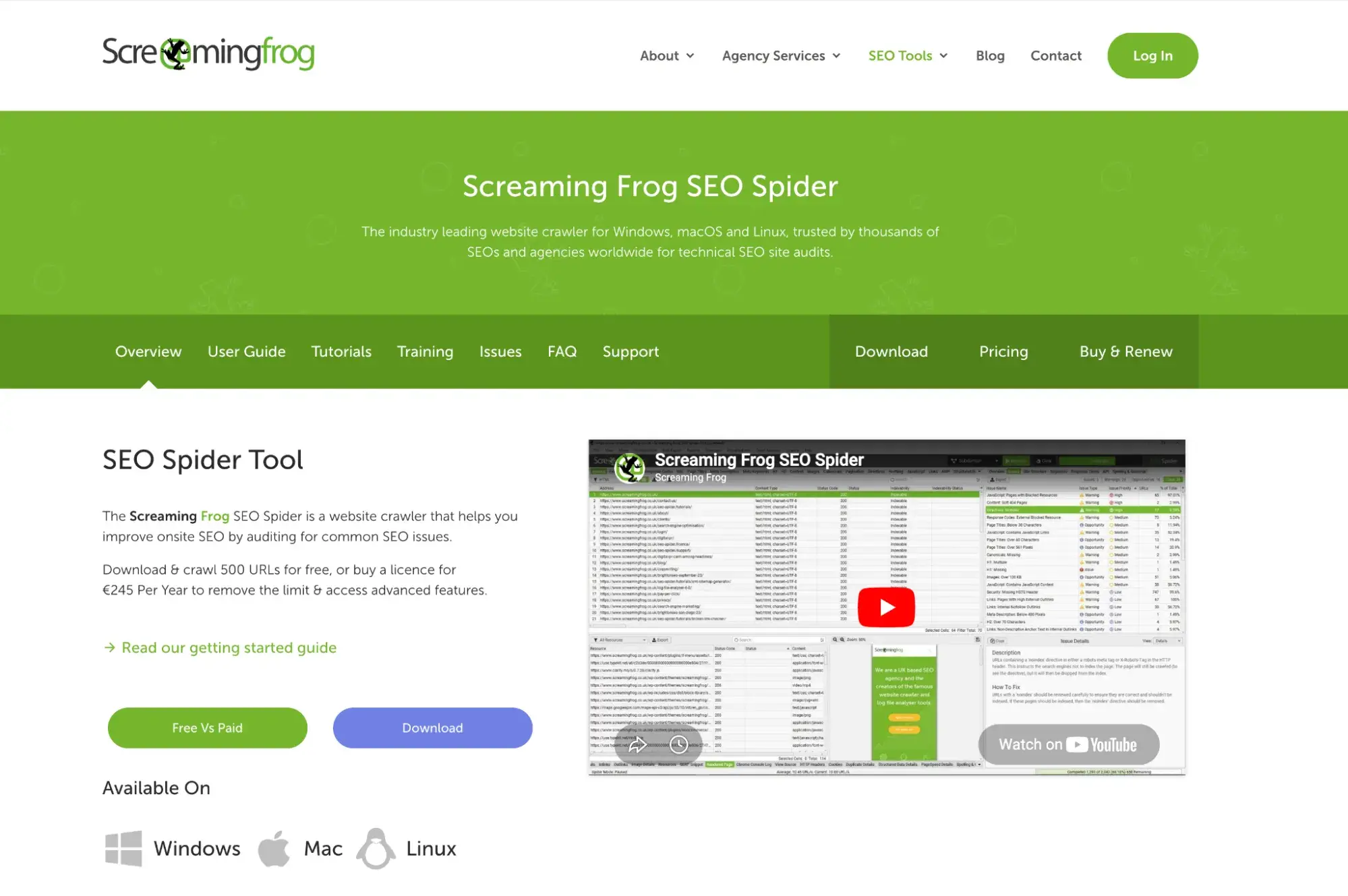
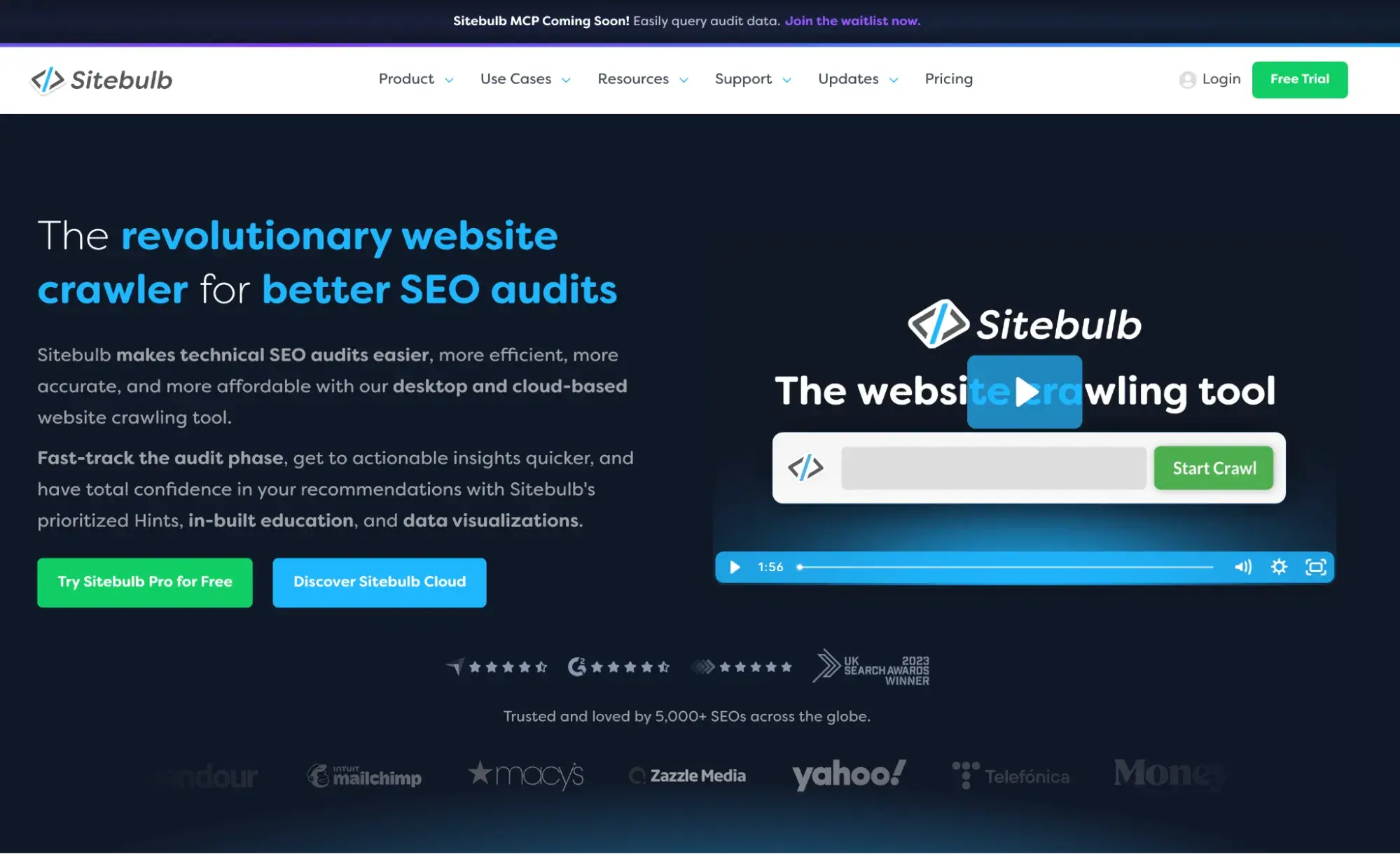
AI SEO tools have matured quickly. What started as a novelty layer atop existing keyword tools has become a full-fledged category, helping improve everything from research to AI search visibility. Growth teams now have real choices about where AI can provide the most value across the SEO workflow. More than 90% of marketing teams now use AI in their workflows — but having AI in your stack and having the right AI in your stack are two different things. This guide breaks down AI SEO tools by job-to-be-done, explains how to evaluate them against your growth stack, and provides a practical framework for automating SEO without sacrificing quality. Table of Contents AI SEO tools help with keyword research, clustering, content creation, optimization, audits, internal linking, and AI visibility. They are software platforms that use machine learning and large language models to automate, accelerate, or enhance specific tasks within the SEO workflow. They accelerate SEO judgment by reducing the time required to apply it at scale. The core jobs AI SEO tools are built to do include the following. The value AI adds to each of these jobs varies. Research and clustering, technical auditing, and on-page optimization tend to see the highest ROI from automation simply because they’re repetitive, high-volume, and rule-governed tasks. Content drafting and strategy work require more human judgment to be effective. Choosing the right AI SEO tool boils down to matching capability to context. Here’s how to evaluate your options. A team focused on topical authority needs different tools than one focused on improving crawl efficiency or scaling blog output. Before comparing tools, be specific about what job you need done most urgently. Some AI SEO tools are built for specialists. Screaming Frog, for instance, delivers extraordinary technical depth, but requires comfort with crawl data interpretation. Other tools, like HubSpot’s built-in SEO tools, are designed for marketers who need actionable recommendations without a technical SEO background. If a team publishes five pieces per month, a heavy automation stack creates overhead without enough output to justify it. If a team publishes 50+ pieces per month, automation for briefing, clustering, and on-page optimization compounds quickly. Disconnected tools mean disconnected data. An AI SEO tool that plugs directly into your CMS allows recommendations to be acted on in context, not in a separate dashboard. A tool that connects to your CRM means SEO performance can be tied to pipeline, not just traffic. HubSpot’s SEO tools are built into Marketing Hub, which means topic and keyword suggestions, page optimization recommendations, and performance analytics all live in the same system as your content, contacts, and conversion data. This integration removes friction and helps growth teams connect SEO efforts to revenue. AI-assisted drafts and automated recommendations require human review especially for brands where tone, accuracy, or compliance matter. Choose tools that build review into the workflow, not ones that assume automation equals publishing. Vanity metrics are easy to track. What’s harder — and more valuable — is understanding whether SEO effort is actually driving qualified traffic, pipeline, or revenue. Prioritize tools with reporting that connects organic performance to business outcomes. Pro tip: Before evaluating tools, make sure the foundation is solid. The HubSpot Complete SEO Starter Pack includes an on-page SEO template, a search intent and research template, and a 21 SEO myths ebook to help build a reliable SEO baseline — free to download. There’s no single AI SEO tool that handles every job well. The best approach is to match tools to specific workflow stages. Below is a breakdown by job type, with notes on where each tool excels. Keyword research used to mean building a spreadsheet of terms one by one. AI-powered research tools now surface related terms, group them by topic cluster, and prioritize opportunities based on difficulty and intent in minutes. HubSpot’s SEO tools are built directly into Marketing Software, which makes them useful for teams that want research to flow directly into content creation and publishing. The topic cluster tool helps teams identify pillar topics, map supporting content, and visualize how pages relate, so internal linking and content planning happen in the same system. Key Features What I like: The native CMS connection means keyword insights don’t stay in a separate dashboard. A recommendation made in the SEO tool can be acted on immediately in the page editor.That integration removes real friction while the CRM connection means you can actually measure whether that organic traffic converts. Best for: Growth teams already using HubSpot CMS or HubSpot Smart CRM who want research, content strategy, and performance measurement in one place. SparkToro is used for audience research and content planning inputs, and it’s an audience intelligence tool that answers a question most SEO tools don’t touch: where does your target audience actually spend their time online? Rather than starting with keywords and working backward to an audience, SparkToro starts with the audience and surfaces the podcasts they listen to, the websites they read, the YouTube channels they watch, the social accounts they follow, and the topics they search for. Key Features What I like: SparkToro answers a question that keyword research can’t — not what people are searching for, but where they’re paying attention. Best for: Content strategists, digital PR teams, and demand gen marketers who want to ground their channel and distribution decisions in audience data rather than convention or guesswork. Pricing: Free plan available. Paid plans from $38/month Keyword Insights is used for keyword clustering and content brief creation, which saves significant time when building topic maps for content programs. Upload a seed list, and it groups terms that can realistically be targeted on a single page versus those that need their own content. Key Features What I like: The clustering logic is genuinely useful. It’s grouping by whether Google treats keywords as interchangeable on the SERP, not just grouping by theme. Best for: Content teams building out topical clusters who have existing keyword lists to work with. Pricing: From $58/month AlsoAsked pulls directly from Google’s “People Also Ask” data to map how questions branch and relate from any seed keyword. The output is a visual tree that shows how one question leads to another, reflecting how Google actually understands the semantic relationships between topics. Key Features What I like: The data comes straight from Google, which means you’re seeing exactly what real users are being shown not what an algorithm guesses they might ask. For FAQ-heavy content and featured snippet targeting, that accuracy is hard to replicate with other tools. Best for: Content strategists and SEO teams building topic clusters, content briefs, or FAQ sections who want to ground their planning in real search behavior rather than keyword assumptions. Pricing: From $12/month Content briefs give writers everything they need to create well-optimized content without starting from scratch. AI-assisted drafting speeds up production by generating structured outlines or full drafts based on top-ranking content and search intent. HubSpot Content Hub is a full-stack content marketing platform built around the entire content lifecycle, from ideation to publishing to performance tracking. The AI assistant can generate drafts, repurpose existing content, and suggest structure based on SEO and audience inputs, all within the CMS, so there’s no context-switching between where content is created and where it’s published. Every piece of content connects to the CRM, SEO data, conversion analytics, and the rest of Marketing Hub. That means AI-generated content is created inside the same system where you track who’s reading it, what they do next, and whether it actually drives the pipeline. Key Features What I like: The integration with the rest of Marketing Hub means AI drafts can be immediately reviewed, edited, and published. Performance can be tracked against the same audience and conversion data the team already uses. Best for: Teams running content and marketing in HubSpot who want drafting, optimization, and publishing in one workflow. SurferSEO is used for on-page optimization and content refresh workflows. Surfer’s Content Editor uses AI to analyze top-ranking pages for a given keyword and generate a brief that includes suggested headings, NLP terms, and word count targets. Writers can use the editor in real time to see a relevance score update as they write. Key Features What I like: The real-time feedback loop during writing is genuinely useful for keeping content on-target without constant tab-switching. It’s one of the more intuitive brief-to-draft tools available. Best for: Content writers and editors who want a structured brief and real-time optimization guidance in one tool. Pricing: From $99/month Frase is built around a research-to-brief-to-draft workflow. It aggregates information from top-ranking pages on a topic, generates a brief, and offers an AI writing assistant that can fill in sections based on the research. It’s useful for teams producing alot of informational content. Key Features What I like: The research aggregation is fast. Frase reduces the time to a working draft significantly for teams building FAQ-heavy or comparison content. Best for: Teams producing informational content at scale who want research and drafting in a single tool. Pricing: From $49/month On-page optimization is where AI tools have arguably had the most immediate impact. Scoring pages against top-ranking competitors, surfacing missing concepts, and flagging structural issues are tasks that AI handles quickly and consistently. Clearscope grades content based on how thoroughly it covers a topic compared to top-ranking pages. It surfaces related terms, grades the overall comprehensiveness of the content, and integrates with Google Docs and WordPress for in-editor optimization. Key Features What I like: The grading system is clear, and the term suggestions focus on topic relevance rather than semantic matching alone. Best for: Content teams running systematic refresh programs across large content libraries. Pricing: From $129/month MarketMuse builds a content inventory and scores each piece based on topical depth relative to competitors. Its AI can identify content gaps, generate briefs for missing subtopics, and prioritize which pages to optimize first based on difficulty and authority. It’s more of a strategic tool than a page-level editor. Key Features What I like: MarketMuse helps teams quickly identify the highest-priority gaps across an entire content library. It prevents duplication and focuses effort where it will have the most strategic impact rather than optimizing ad hoc. Best for: Enterprise and mid-market teams managing content libraries of 100+ pages who need a strategic, site-wide view of content gaps rather than just page-level editing. Pricing: Varies; contact MarketMuse directly Technical SEO — crawl efficiency, site speed, structured data, canonicalization, crawl errors — requires tooling that can read the site the way a search engine would. Screaming Frog is used for technical crawling and issue discovery. It crawls websites and returns a comprehensive dataset covering response codes, redirect chains, duplicate content, missing metadata, hreflang, schema markup issues, Core Web Vitals, and much more. Key Features What I like: This tool provides unmatched crawl data depth at its price point. The AI integration lets teams run content quality checks or custom extraction prompts at scale during a crawl, without building a separate workflow. Best for: Technical SEOs and developers managing site health at scale especially before or after a major content push, site migration, or CMS change. Pricing: Free (up to 500 URLs) or $279/year for unlimited Sitebulb is a visual-first technical auditing tool that presents crawl data in a more accessible format. It includes AI-generated audit summaries that explain issues in plain language and prioritize fixes by estimated impact. Key Features What I like: The visual audit reports make it easier to brief developers on technical issues without needing to export and reformat raw data. For agencies presenting findings to clients, that alone saves significant time. Best for: Agencies and in-house teams that need to report technical findings to stakeholders who don’t have technical expertise. Pricing: From $18/month Internal linking improves crawl efficiency, distributes page authority, and signals to search engines how topics relate. Identifying the right opportunities manually across hundreds of pages is impractical. AI tools automate the discovery. Ahrefs is best known as a backlink and keyword research platform, but its Site Audit and internal link reporting tools make it a strong addition to any site structure workflow. For teams already using Ahrefs for competitive research, the internal linking data is right there — no separate tool required. Key Features What I like: Having internal link auditing in the same platform removes a context switch for teams already in Ahrefs for keyword and competitive research. The Best By Links report is particularly useful. It’s a fast way to identify which pages are already earning authority and make sure they’re linking to the content that needs it most. Best for: SEO teams already using Ahrefs who want internal linking insights alongside their broader keyword and backlink workflow, without adding another tool. Pricing: From $129/month Link Whisperer is a WordPress plugin that uses AI to suggest and insert internal links as content is written or edited, with site-level reporting for orphaned pages, broken links, and link structure analysis. Key Features What I like: Link Whisper removes the manual work of internal linking without requiring a strategic overhaul. The GSC integration surfaces the terms Google already associates with your pages as linking targets, which makes suggestions more accurate than a pure keyword match. Best for: WordPress sites with 50+ published pages where manual internal linking becomes a bottleneck. Not suited for non-WordPress sites. Pricing: From $97/year Answer engine optimization tools focus on improving visibility in AI-generated answers, citations, and brand mentions. While SEO focuses on ranking in traditional search results, AEO focuses on appearing in AI-generated answers from systems like ChatGPT, Perplexity, Google AI Overviews, and Bing Copilot. AEO and SEO are different disciplines, but complementary ones. Teams that optimize for both are building durable visibility for the channels where buyers are increasingly going to find answers. HubSpot AEO helps assess current AI search visibility, helping teams understand where their brand appears in AI-generated answers and why. It surfaces which pages are being cited, which queries are triggering citations, and where visibility gaps exist across AI engines — and it does all of that inside the same platform where teams are already tracking SEO, content, and pipeline. For demand generation leaders being asked to show how content investment connects to pipeline, AEO visibility metrics — citations, share of AI answers, coverage by topic — are becoming a required reporting layer alongside traditional SEO metrics. Key Features What I like: The combination of SEO and AEO in a single platform means teams can see the full picture of how their content is being found both in traditional search and in the AI-generated answers where purchase decisions increasingly begin. That integration is what makes the data actionable rather than just interesting. Best for: Growth teams that want to measure and optimize for both traditional SEO and AI search visibility without managing two separate reporting systems. It’s especially useful for teams already on Marketing Hub who want to add AI visibility tracking without adding another tool. Pricing: $50 per month as a standalone tool or included in Marketing Hub Pro and Enterprise editions HubSpot AEO Grader is a free diagnostic tool that evaluates how AI engines currently characterize your brand based on their training data. Rather than auditing your website, it assesses your brand across five dimensions — sentiment, presence quality, brand recognition, share of voice, and market position — and returns a score out of 100 with written interpretation of the results across ChatGPT, Perplexity, and Gemini. It’s a useful first step for teams evaluating content positioning in AI-generated answers without full commitment to an audit. The output is specific enough to act on, and it takes minutes rather than hours. Key Features Pro tip: Run the AEO Grader before building your AI visibility roadmap. It’s a fast way to understand where the biggest gaps are without committing to a full audit. The prioritized output gives you a defensible starting point for deciding where to focus first. Free Resource: Before diving deeper into SEO and AEO tooling, make sure the foundation is solid. The HubSpot Complete SEO Starter Pack includes an on-page SEO template, a search intent and research template, and a 21 SEO myths ebook to help build a reliable baseline — free to download. Automation creates scale. But poorly configured automation also creates scale for thin content, mismatched intent, and inconsistent brand voice. Here’s how to build an automated SEO workflow that maintains quality at every stage. Start by generating a large seed list of keywords either manually, through customer research, or using a dedicated keyword research tool like Semrush. If you’re already using HubSpot, HubSpot’s SEO tools can surface topic and keyword suggestions based on relevance and competition to help inform your content strategy. Then batch-upload that list into a clustering tool (Keyword Insights works well here) to group terms by topic and intent. The goal at this stage is to understand your full topical landscape before committing to content priorities. Clustering first prevents the common mistake of creating multiple pages that compete with each other. Once keywords are clustered, map each cluster to one of three content types: This mapping becomes the architecture for your editorial calendar, not just a list of keywords to target. Document which clusters represent existing content opportunities versus net-new content opportunities. That distinction determines where you use refresh workflows versus new production workflows. AI drafts are useful when they’re used as a first draft, not a final one. Generate a draft from a brief, then treat it as a structured research document that needs a human layer. Take time for: The mistake is publishing AI drafts without that layer. The content technically exists, but it doesn’t build authority, and it doesn’t say anything a search engine couldn’t find elsewhere. The human layer is what makes content worth citing. Every content workflow that uses AI assistance needs a human review checkpoint. This isn’t optional. Make it explicit in your SOP. Define: For teams managing high content volume, a checklist-based review speeds things up while maintaining standards. Build the checklist once, use it every time. Publish-and-forget is a visibility leak. A quarterly or biannual content audit — using HubSpot’s SEO recommendations to surface technical and on-page issues, or Semrush’s content audit tool for deeper cannibalization and competitive analysis — helps identify pages that have lost ranking or become factually outdated. Schedule audits like you schedule production. Every content audit should include an internal linking pass. Consider: Internal linking is one of the highest-ROI, lowest-cost SEO tasks available — and it’s consistently underdone. Automating the discovery makes it easier to stay on top of it without blocking the production workflow. AI search optimization tools are software platforms that use artificial intelligence and machine learning to improve how search engines discover, index, and rank content. AI SEO tools assist SEO teams in completing existing SEO tasks more efficiently, while AEO tools address a newer visibility layer in AI-generated answer surfaces. Small businesses benefit most from tools that are simple to use and don’t require dedicated technical expertise. HubSpot’s SEO tools, built into Marketing Hub, offer topic and keyword suggestions, on-page recommendations, and performance reporting in a single interface that doesn’t require an SEO background to use effectively. The priority for small businesses should be coverage at the critical workflow stages — research, on-page, and technical — rather than maximum tool count. AI-assisted content that includes original insights, accurate information, proper structure, and genuine expertise can rank and perform well. The issue isn’t that AI writes the first draft. Problems occur when AI drafts are published without meaningful human review, fact-checking, or original perspective. Google’s quality guidance focuses on the usefulness and expertise of the final piece, not the process used to create it. Teams that use AI to accelerate production and then invest the human effort in quality can produce high-ranking content efficiently. Start with a baseline before introducing new tools: organic traffic, ranking positions for target keywords, and conversion rate from organic. After implementation, track those same metrics — but also look at operational efficiency metrics. The ROI case for AI SEO tools usually reduces the number of hours spent on high-volume, repetitive tasks and increases organic traffic gains from content that gets optimized and refreshed more systematically than manual workflows allow. Competitive commercial terms, comparison content, and anything referencing data, statistics, or tools should be reviewed every six months at a minimum. Informational content on slower-moving topics can run on an annual review cycle. The practical approach is to use an AI SEO audit tool — HubSpot’s SEO recommendations, Semrush’s content audit, or similar — to flag pages that have dropped in ranking or accumulated significant outdated content, and use that signal to prioritize the refresh queue rather than working through an arbitrary calendar. AI SEO tools are a practical requirement for staying competitive in a space where the volume and complexity of SEO work have outpaced what manual processes can handle. The best approach is to build a stack where each tool handles the job it does best: The goal is automation that frees up resources for human judgment, expertise, and original thinking — qualities that search engines and AI systems reward. HubSpot’s SEO tools cover the topic suggestions, optimization, and reporting workflow natively within Marketing Hub, making them a strong anchor for teams that want fewer disconnected dashboards and tighter alignment between SEO performance and revenue. For teams ready to look beyond traditional search, HubSpot AEO adds the AI visibility layer that lets the same team track citations and presence in AI-generated answers alongside organic rankings.![SEO Starter Pack [Free Kit]](https://no-cache.hubspot.com/cta/default/53/1d7211ac-7b1b-4405-b940-54b8acedb26e.png)
What are AI SEO tools, and where do they add value?
How to Choose AI SEO Tools for Your Growth Stack
1. Start with your objectives.
2. Assess your team’s technical skills.
3. Consider content volume.
4. Evaluate CMS and CRM integration.
5. Think about governance.
6. Check reporting and attribution.
AI SEO Tools Comparison by Job to Be Done
Research and Clustering
HubSpot SEO Tools
SparkToro
Keyword Insights
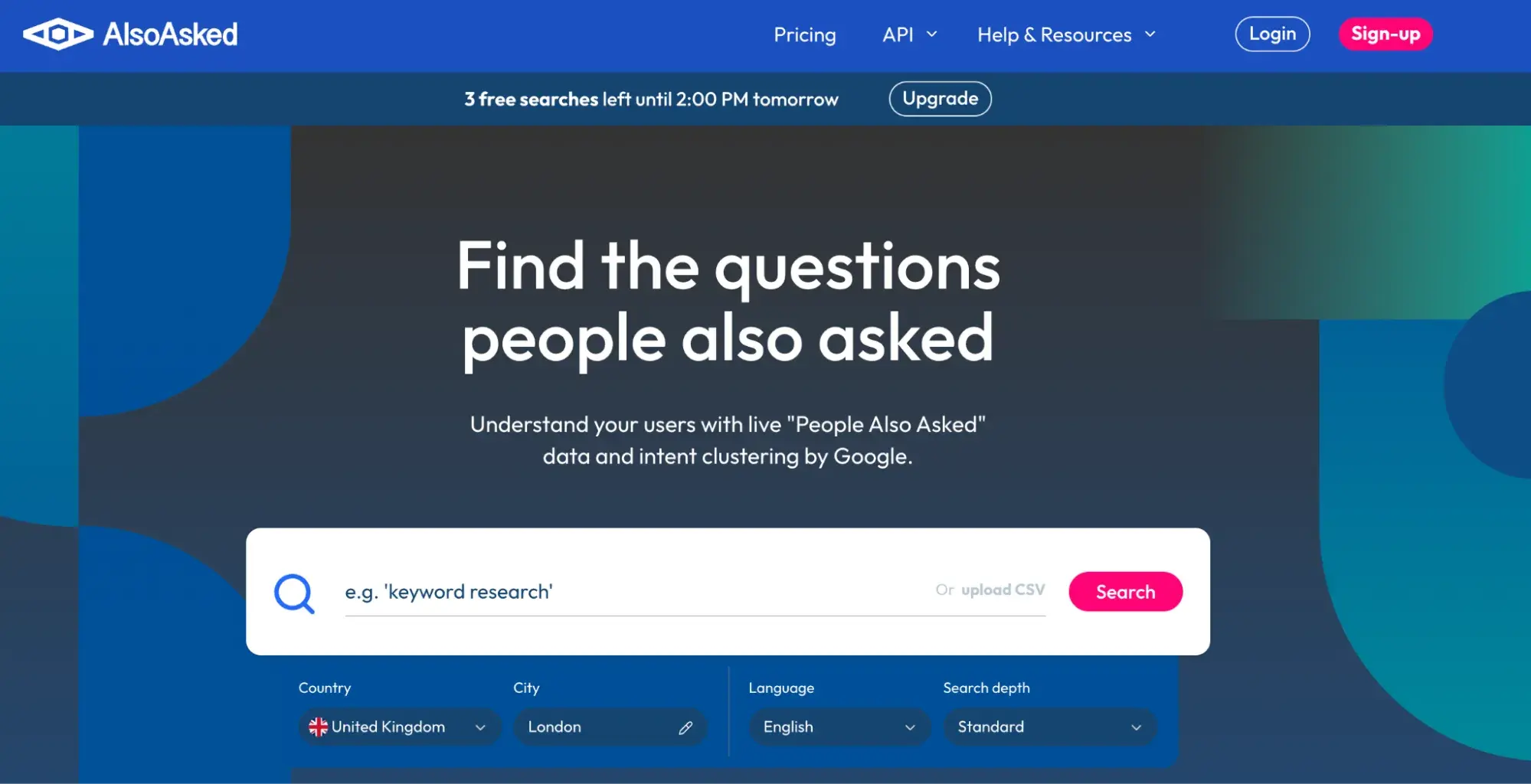
AlsoAsked
Content Briefs and AI-Assisted Drafting
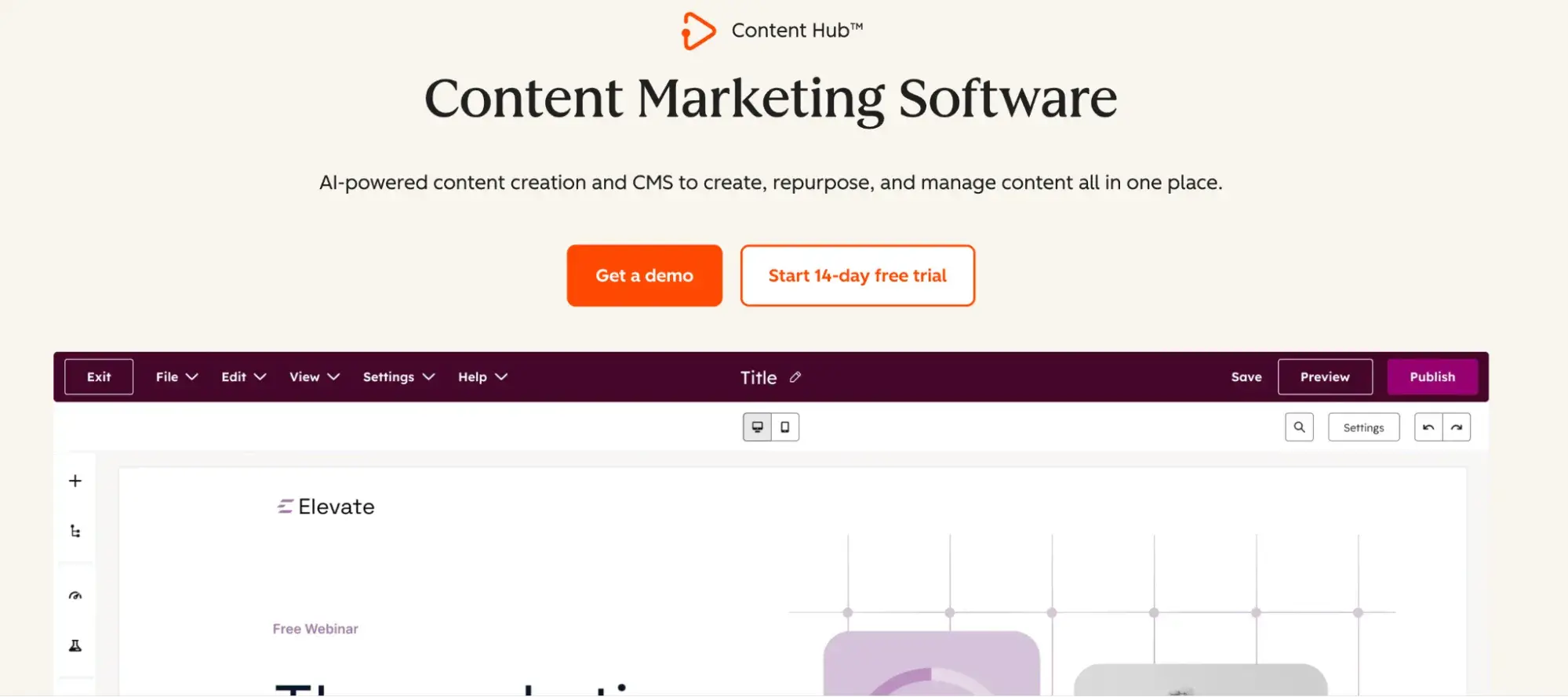
HubSpot Content Hub
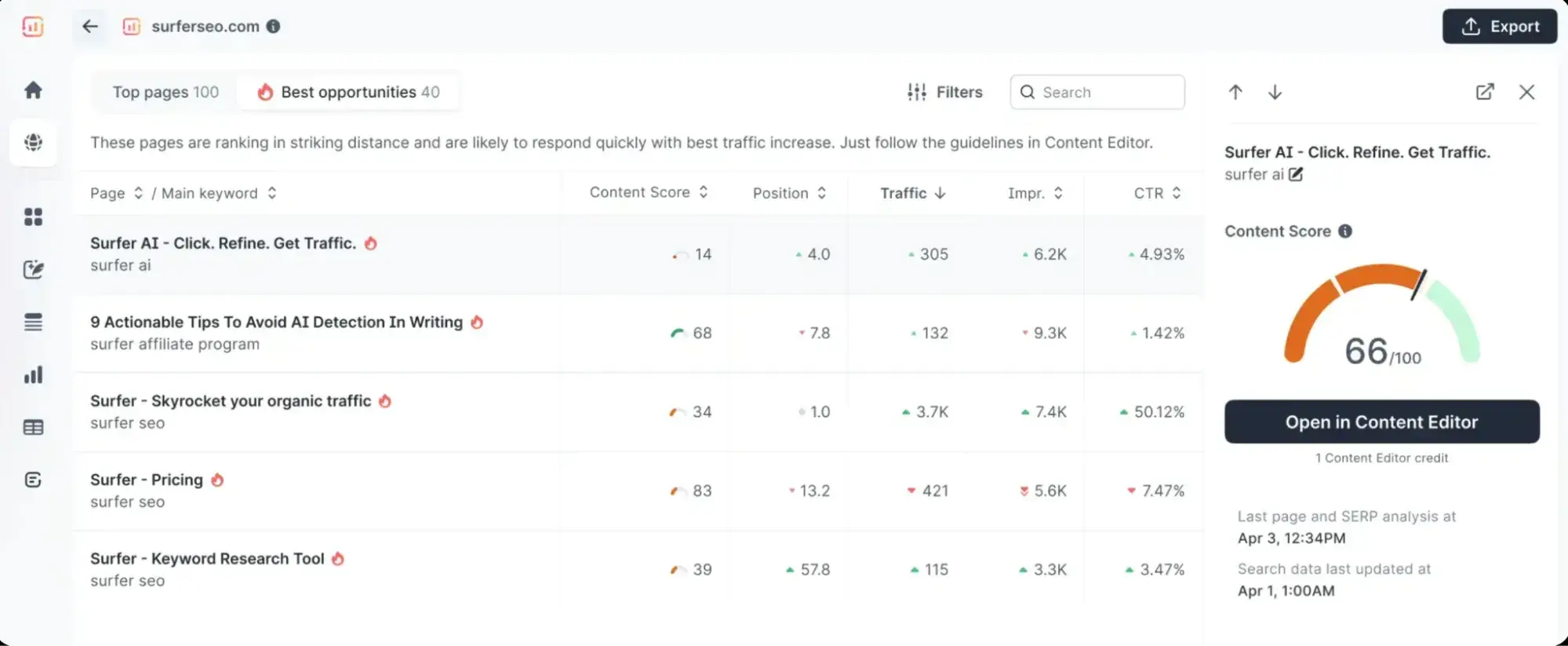
SurferSEO
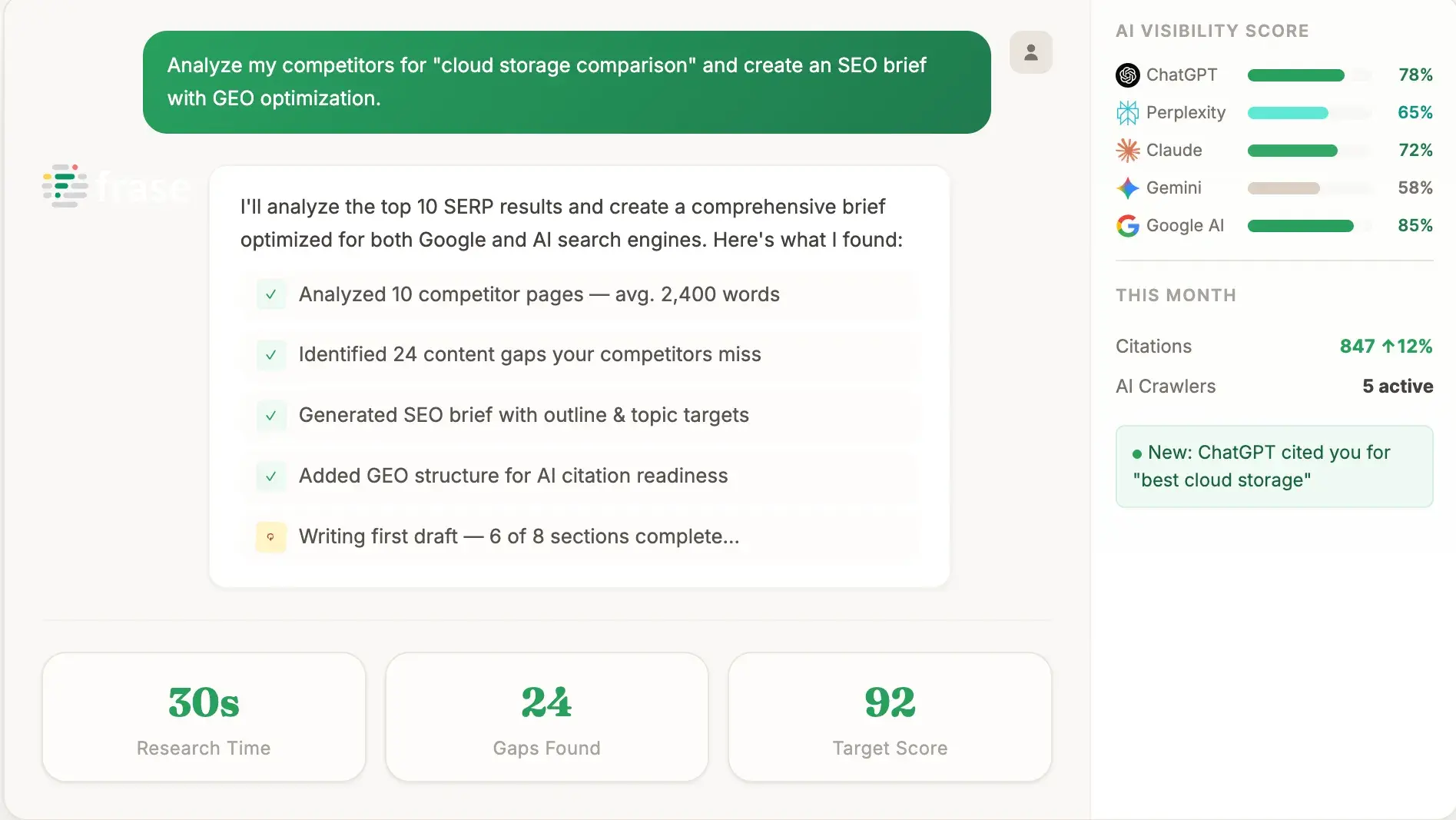
Frase
On-page Optimization and Refresh
Clearscope
MarketMuse
Technical SEO and Audits
Screaming Frog SEO Spider
Sitebulb
Internal Linking and Site Structure
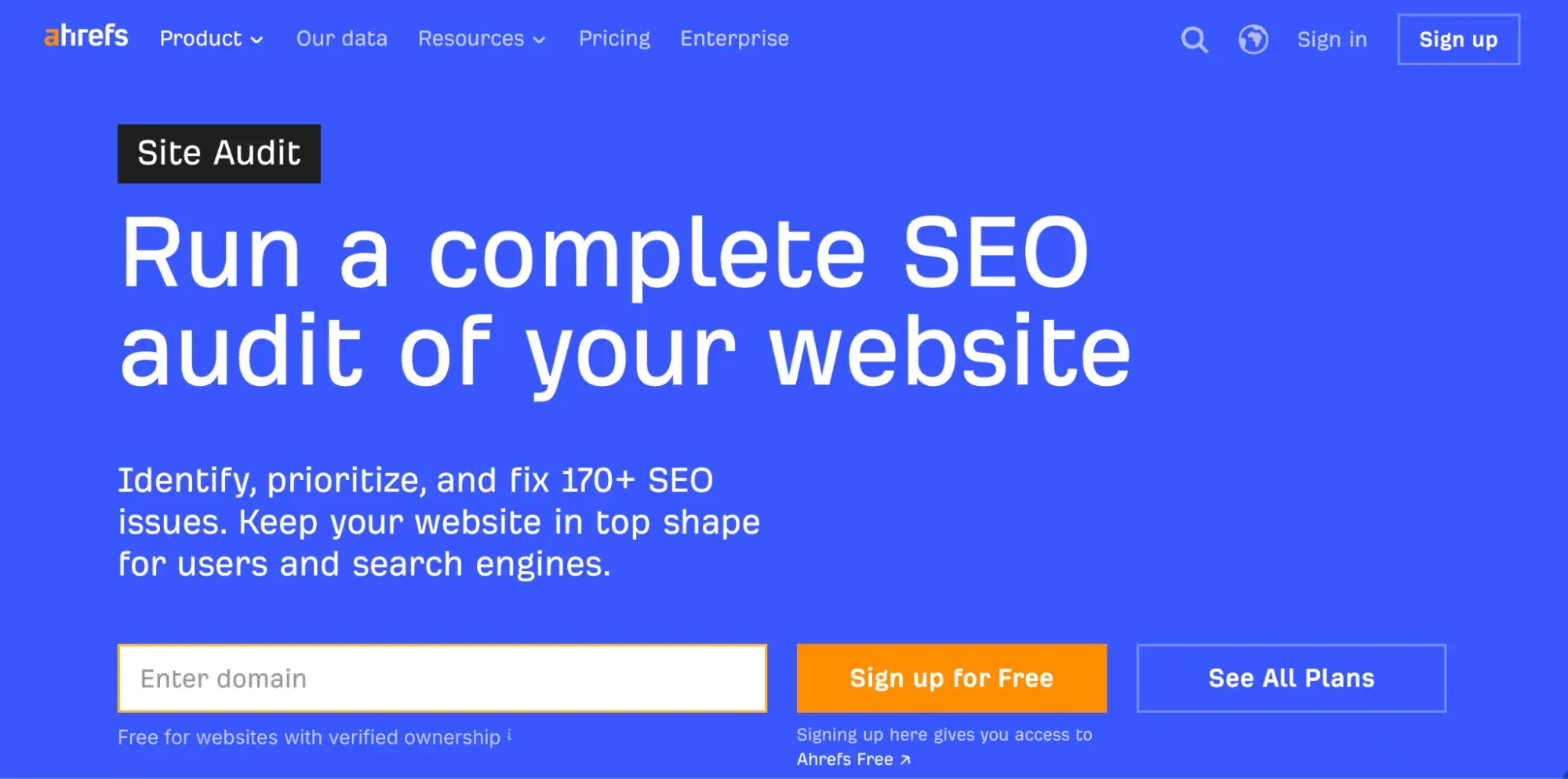
Ahrefs
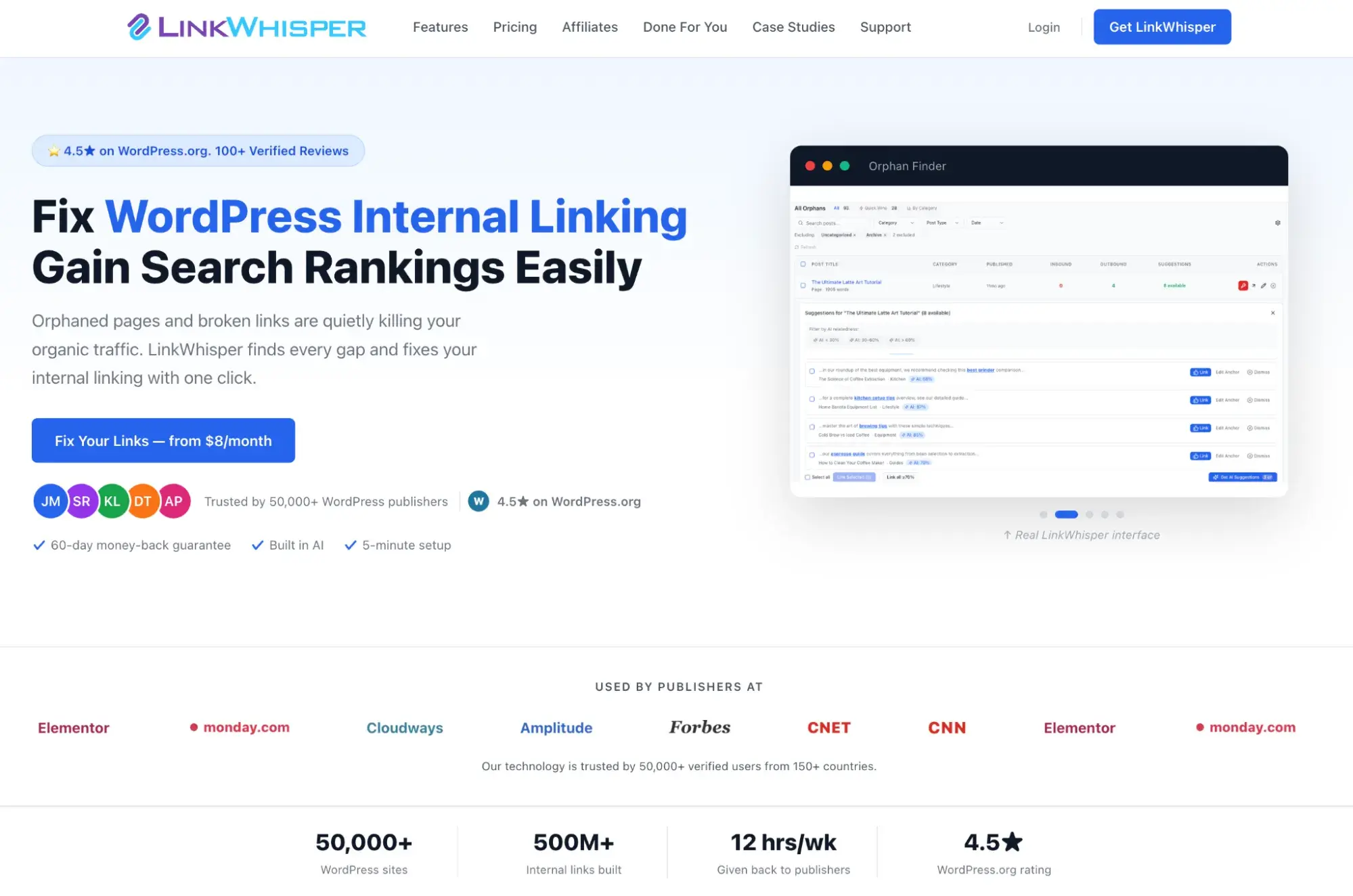
Link Whisper
AI Visibility and Citations
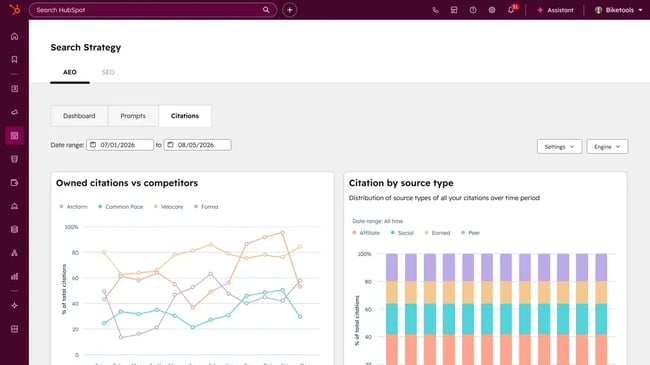
HubSpot AEO
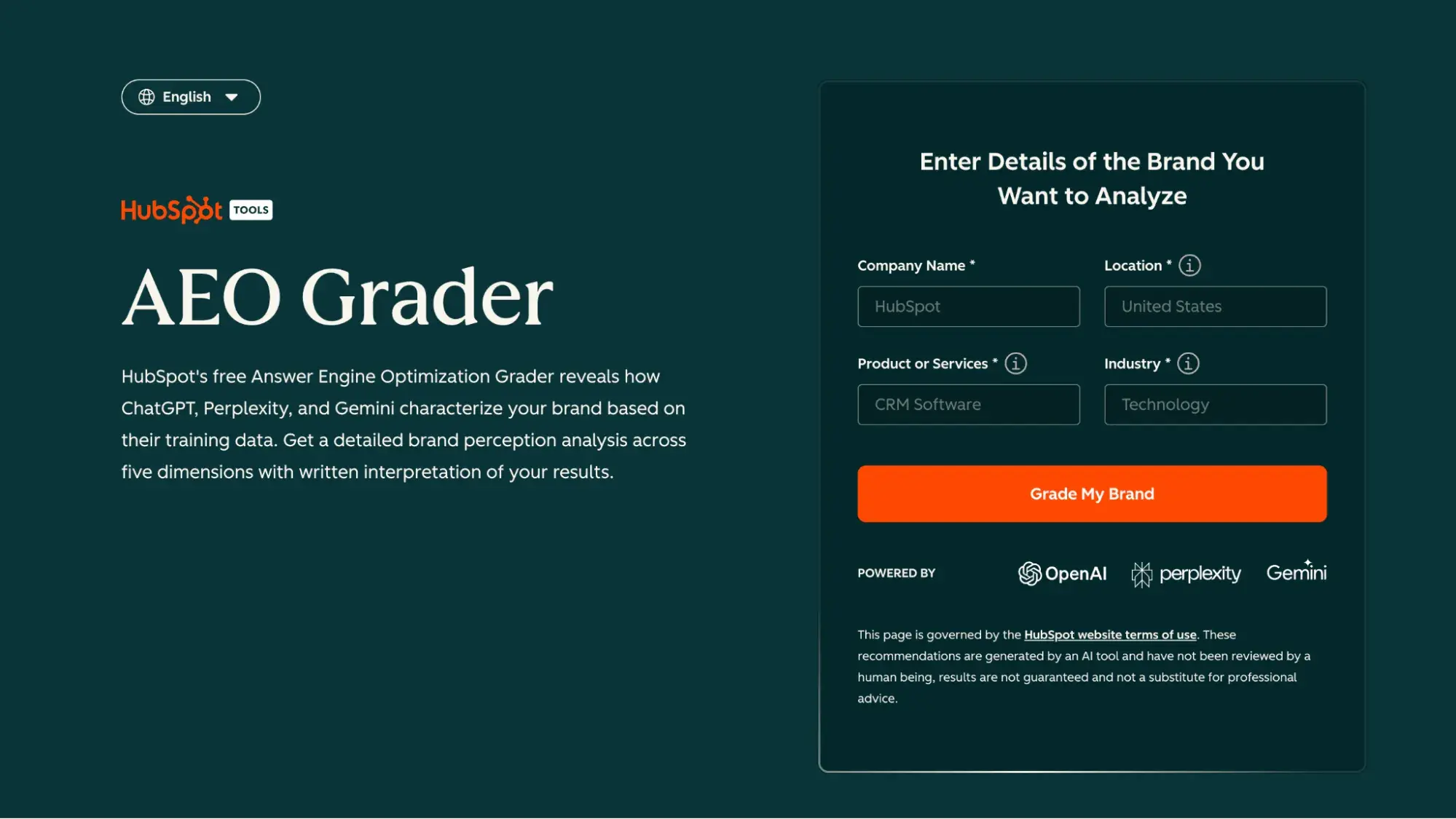
HubSpot AEO Grader
How to Automate SEO Without Breaking Your Content
Step 1: Run batch keyword research.
Step 2: Cluster by topic and intent.
Step 3: Use AI-assisted drafts as starting points.
Step 4: Build an editor review step.
Step 5: Schedule systematic content audits.
Step 6: Act on internal link recommendations.
Frequently Asked Questions About AI SEO Tools
What are AI search optimization tools?
Which AI SEO tools are best for small businesses?
Can AI content rank in search?
How do I measure the ROI of AI SEO software?
How often should I refresh content with AI tools?
The right tools turn SEO and AI visibility into a growth system.








![How to Create a Great Social Media Strategy in 2025 [+ New Data]](https://www.hubspot.com/hubfs/social-media-strategy.webp)