Back-to-school desk upgrade? Start with one of these monitor arms
The best monitor arms for Back-to-School, including single and dual-monitor mounts that create more desk space and improve comfort.
 Lynk
Lynk
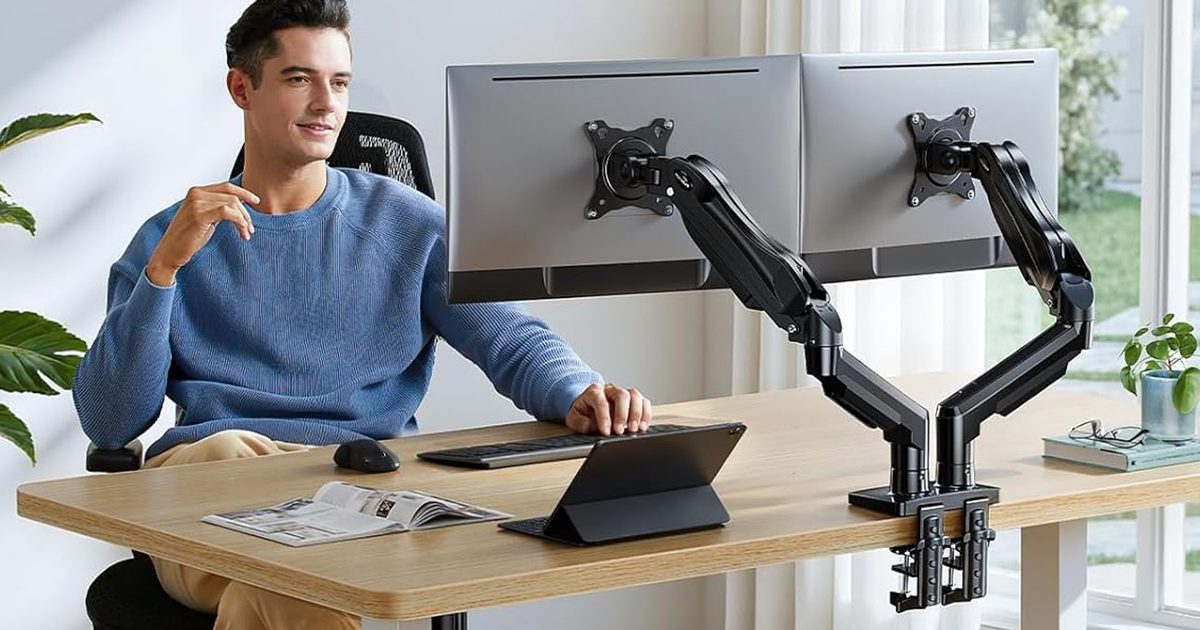
Dorm rooms and study desks have one thing in common: they run out of space fast. Between textbooks, notebooks, keyboards, coffee mugs, and laptop chargers, a monitor’s stock stand often ends up taking more room than it should. A good monitor arm instantly frees up valuable desk space while also putting the screen at a much more comfortable height, making long study sessions easier on the neck and shoulders. Whether it’s a simple single-monitor setup or a dual-screen workstation, these are the monitor arms I’d actually recommend for Back-to-School.
Amazon Basics Single Computer Monitor Stand
 Amazon
Pros
Cons
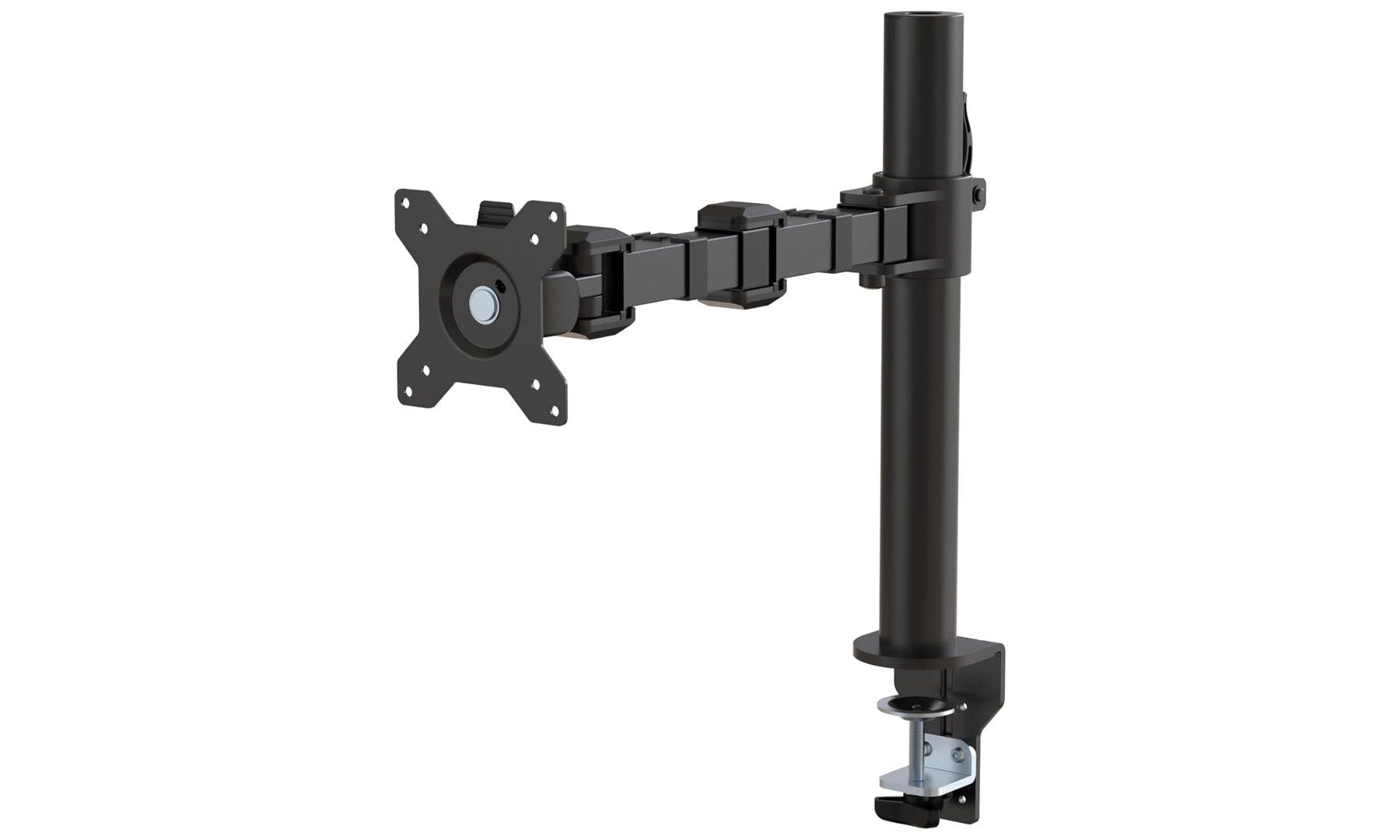
Manual height adjustment Better suited for lighter monitorsIf the goal is to reclaim desk space without spending much, the Amazon Basics Single Monitor Stand is one of the easiest recommendations. It replaces the bulky stand that comes with most monitors with a sturdy steel arm, instantly creating more room for notebooks, textbooks, and everything else that tends to pile up during the semester.
Designed for VESA-compatible monitors between 13 and 30 inches, the arm supports tilt, swivel, rotation, and portrait mode, making it easy to position the screen exactly where it’s needed. Cable management clips built into the arm also help keep wires out of sight, giving the entire desk a much cleaner look. The height is adjusted manually rather than through a gas spring, but once it’s dialed in, the stand feels impressively solid.
It’s one of those upgrades that makes even an inexpensive monitor feel like part of a much cleaner workspace. For students putting together their first desk setup, this is where I’d start.
Acer Single Monitor Mount
 Acer
Acer
Pros
Smooth gas spring adjustment Wide range of movement Supports larger monitors Premium aluminum constructionCons
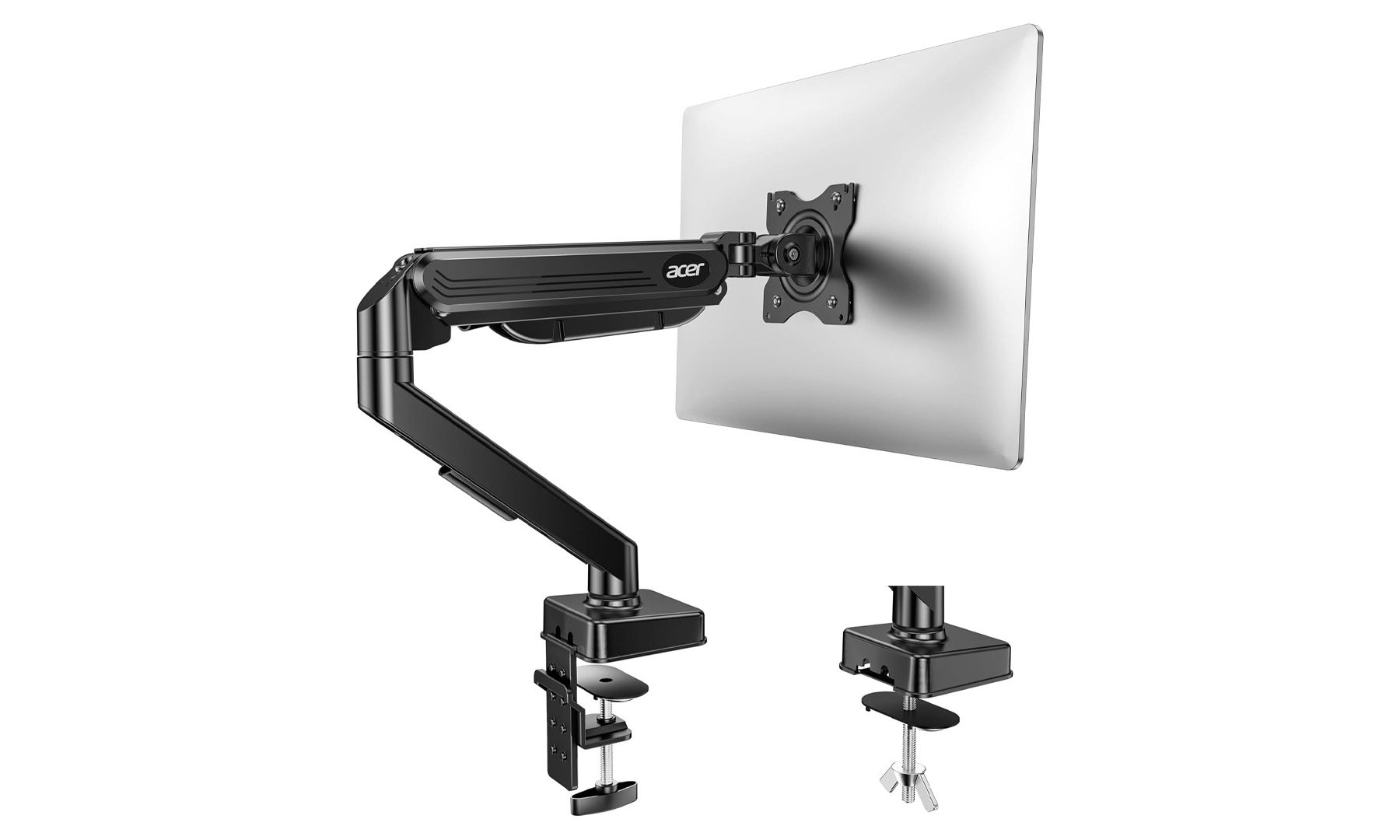
Slightly pricier than basic arms Single-monitor onlyThe Acer Single Monitor Mount is the kind of upgrade that’s easy to appreciate the moment it’s installed. Thanks to its gas spring mechanism, moving the monitor feels almost effortless, whether it’s raising the display for better posture, pulling it closer while editing photos, or pushing it back to make room for handwritten notes.
Compatible with monitors between 17 and 34 inches weighing up to 19.8 pounds, the arm offers full tilt, swivel, height adjustment, and 360-degree rotation. Acer also includes both C-clamp and grommet mounting hardware in the box, making installation straightforward regardless of the desk setup. The aluminum construction gives it a noticeably more premium look than many budget alternatives, while the movement feels smooth and well controlled.
If there’s any chance the monitor gets repositioned throughout the day, this is the single-monitor arm I’d happily recommend spending a little extra on.
HUANUO FlowLift Dual Monitor Stand
 HUANUO
Pros
Excellent dual-monitor support Smooth gas spring arms Highly adjustable positioning Strong build qualityCons
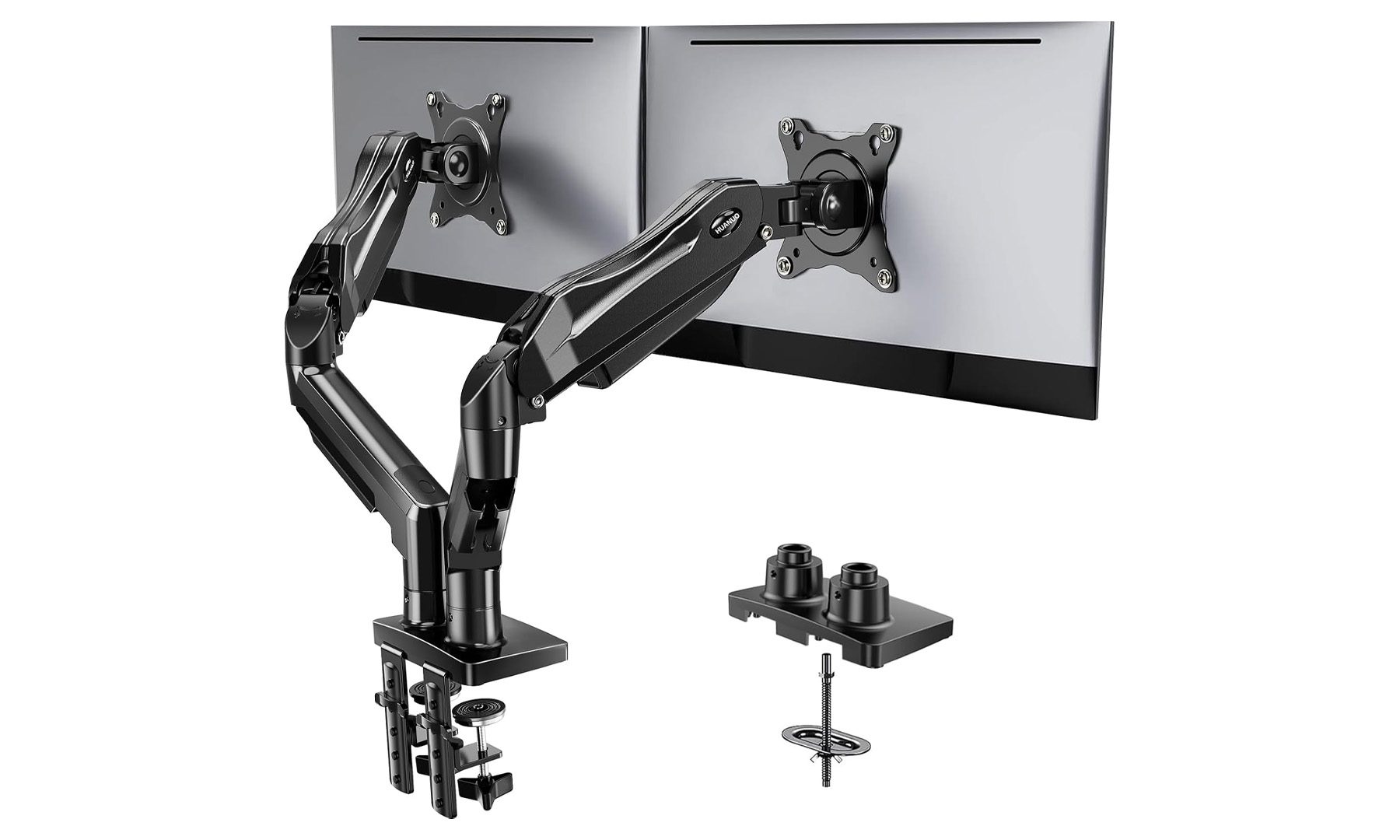
Needs more desk space Overkill for single-monitor setupsOnce a second monitor enters the setup, it’s surprisingly difficult to go back. The HUANUO FlowLift is one of the cleanest ways to build a dual-monitor workspace while freeing up a huge amount of desk space that would otherwise be occupied by two bulky monitor stands.
Each gas spring arm supports monitors between 13 and 32 inches and can be adjusted independently, with support for tilt, swivel, rotation, and height adjustments. Whether it’s keeping lecture notes open on one display while writing an essay on the other, or coding on one screen with documentation on the second, the FlowLift makes multitasking feel far more natural. Both C-clamp and grommet mounting options are included, making it compatible with most desks right out of the box.
For students studying engineering, computer science, design, or anyone who spends hours juggling multiple windows, this is the dual-monitor arm I’d recommend without hesitation.
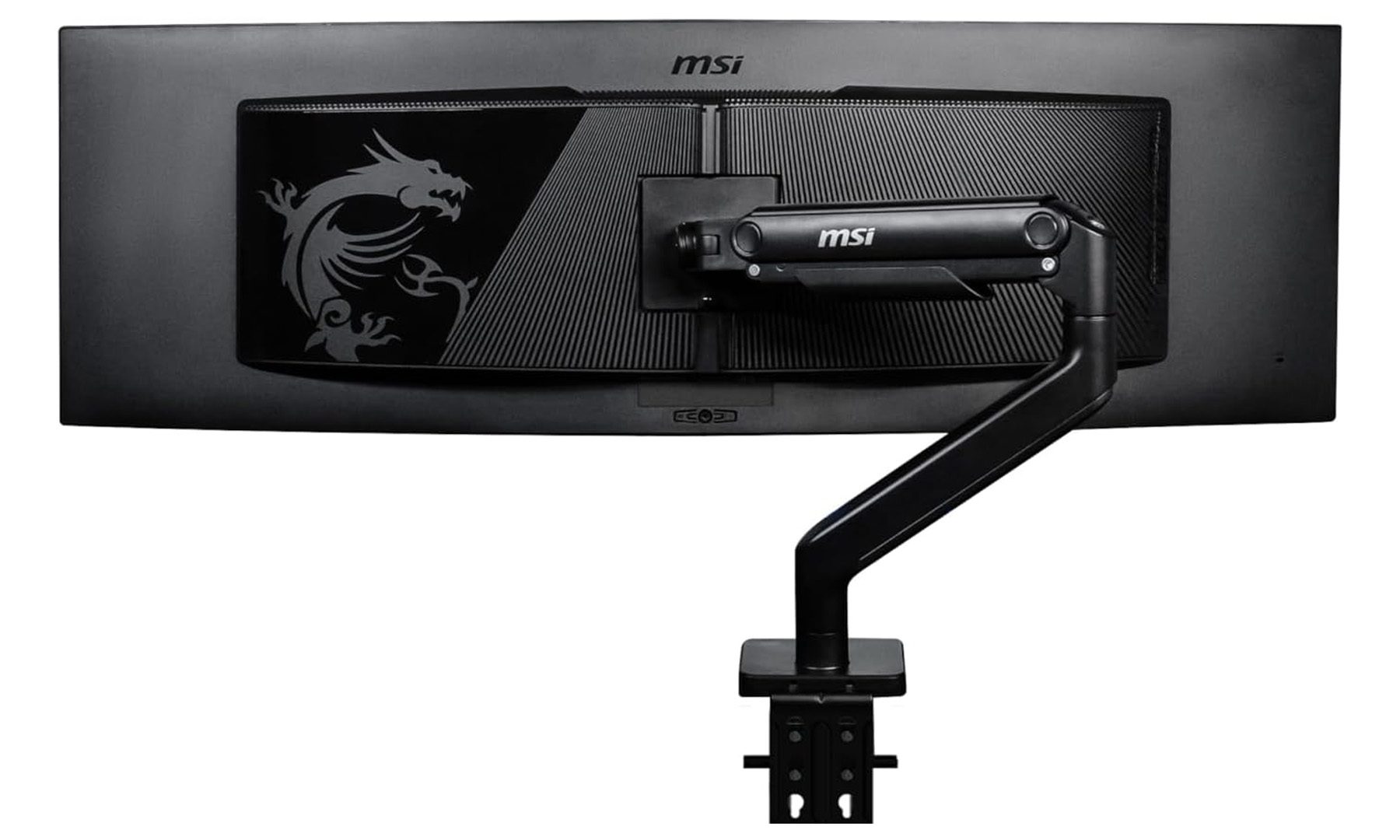
MSI MAG MT201
 MSI
MSI
Pros
Supports ultrawide monitors up to 49 inches Heavy-duty premium construction Smooth spring-assisted movement Quick-release VESA mountCons
More expensive than standard arms Overkill for smaller monitorsNot every monitor arm is built for today’s massive ultrawide gaming displays, and that’s exactly where the MSI MAG MT201 shines. Designed to support monitors from 17 all the way up to 49 inches weighing as much as 44 pounds, it’s built for the kind of displays that would overwhelm most standard monitor arms.
The spring-assisted mechanism makes repositioning even large monitors feel surprisingly light, while the quick-release VESA plate is one of the standout features. Instead of balancing a heavy monitor while lining up screws, the bracket can be attached to the display first before dropping it securely onto the arm, making installation far less stressful. MSI also includes both clamp and grommet mounting options, so it’ll fit comfortably into most desk setups.
If the setup revolves around a 34-inch or 49-inch ultrawide, or there are plans to upgrade to one in the future — this is the monitor arm I’d recommend. It costs more than the other options here, but it’s also purpose-built for monitors that demand far more than an ordinary desk mount can handle.























.jpg&h=630&w=1200&q=100&v=1a56ad72fe&c=1)