Claude Cowork gets its own browser that doesn’t touch your tabs, bookmarks, or saved passwords
Claude Cowork now has its own built-in browser, separate from your personal Chrome tabs, bookmarks, and passwords. The new built-in browser never touches your logins unless you deliberately choose to share them.
 KickT
KickT
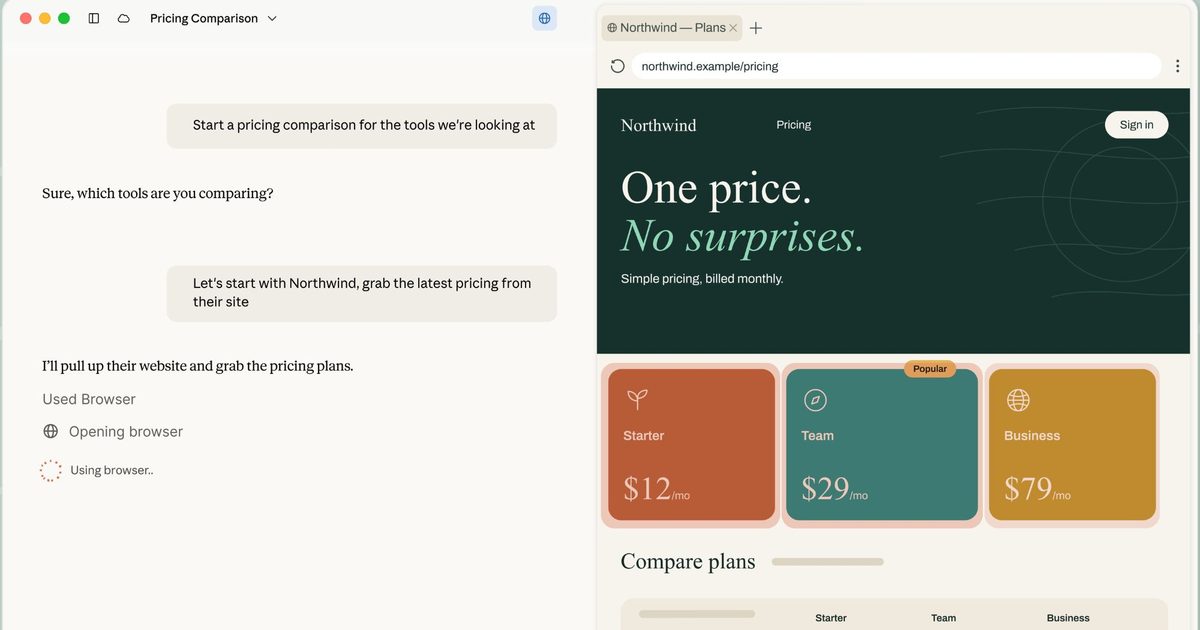
Anthropic gives Claude its own built-in browser which is separate from your personal browser.
 Anthropic
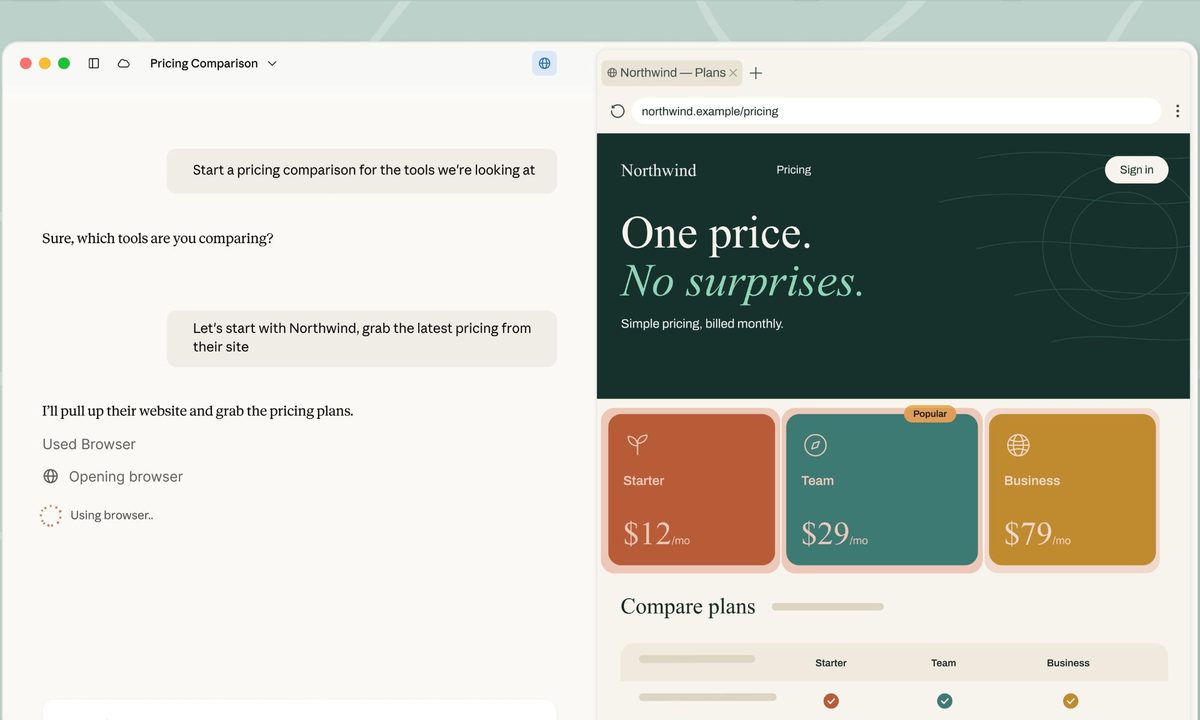
Claude Cowork just got its own browser, built directly into the desktop app. Until now, giving Claude web access inside Cowork meant handing it your actual Chrome browser through Claude in Chrome extension.
Now there’s a second option. Claude can open its own separate browser inside the Cowork side panel and handle the web part of a task on its own, while you keep working on whatever you’re doing.
So how is it different from Claude in Chrome?
 Anthropic
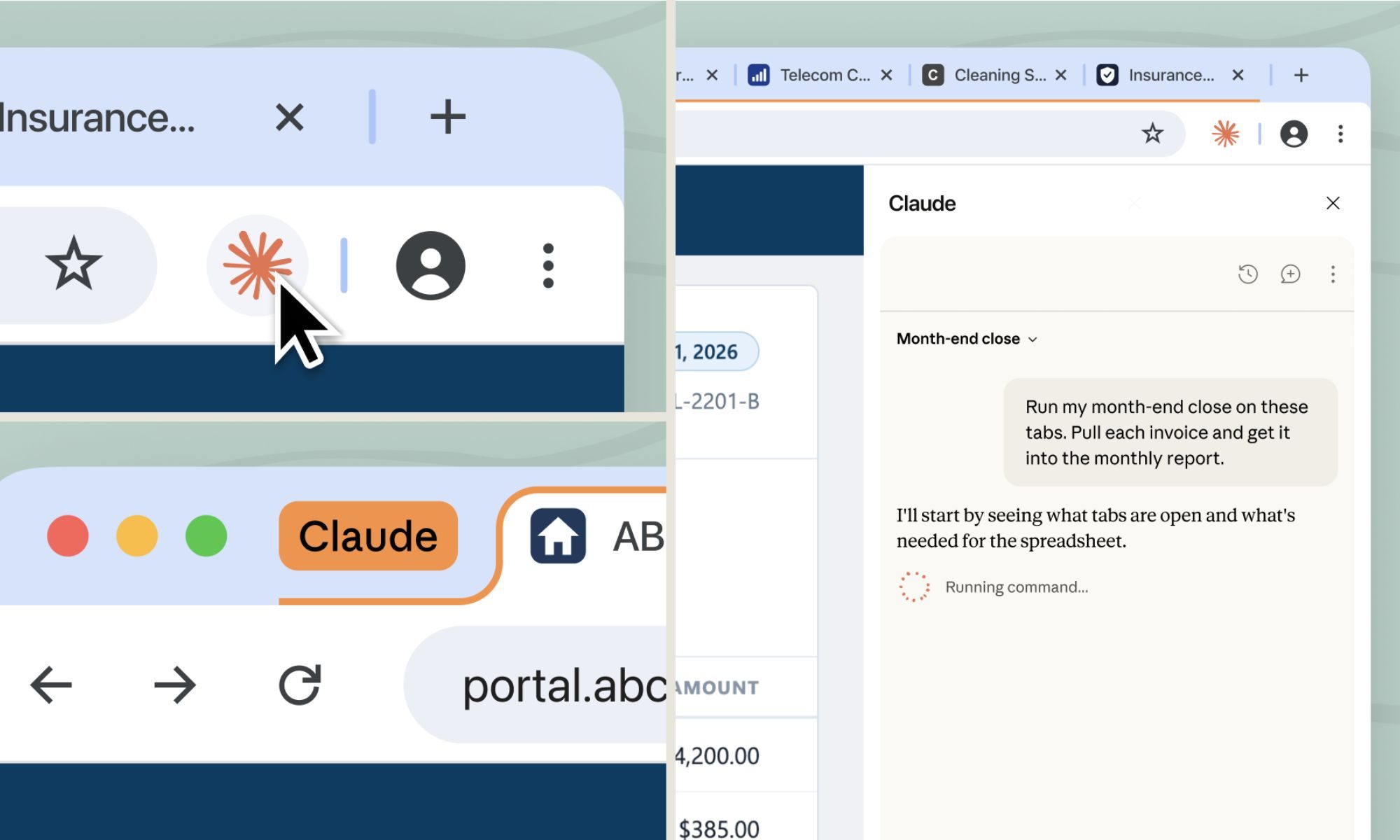
Claude in Chrome uses your browser, your tabs, logins, the page you already have open. That setup makes sense when you’re already on a page and want Claude to jump in and help. But plenty of web tasks don’t actually need your personal browser; they just need a medium to access the web.
This is where Claude’s new built-in browser steps in. It’s completely separate from yours, and Claude never sees the tabs, bookmarks, or passwords in your personal browser. That makes it the better choice for tasks that don’t actually need your personal browser session, like researching for a report or pulling invoices off a vendor portal.
If you want Claude signed into specific sites, you can choose to share those logins from Chrome, Edge, or Firefox. Sensitive accounts like banking, email, or single sign-on are excluded by default unless you deliberately choose to include them.
The safety risks you should know about
If you’re already using Claude in Chrome, that stays your default. Otherwise, Claude reaches for its own browser automatically, and you can switch the preference anytime in Settings. It’s rolling out this week to Pro, Max, and Team plans on the desktop app, covering macOS, Windows, and a Linux beta.
Anthropic is upfront that this carries the same prompt injection risks as any browser-using AI agent, meaning malicious instructions hidden in a webpage could try to hijack what Claude does. The same safeguards used for Claude in Chrome apply here, and Anthropic recommends starting with sites you actually trust before letting Claude loose on them.

Manisha Priyadarshini is a tech and entertainment writer with over nine years of editorial experience.
Gemini 3.5 Transcribe wants you to stop worrying about being a perfect talker
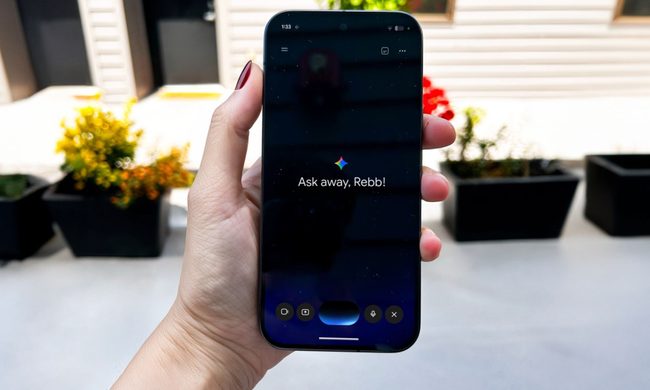
We all ramble, backtrack, and stumble over our words when we speak out loud. Google's new Gemini 3.5 Transcribe is built keeping our imperfect speech in mind. Announced as the company's most precise speech-to-text model yet, it takes your messy, unpolished speech and turns it into clean, formatted text without expecting you to sound like a news anchor first.
It arrives alongside two companion models, Gemini 3.5 Live and Gemini 3.5 Live Experimental, and together the three make up what Google is branding "Gemini Audio."
LibreOffice 26.8 adds plenty of nice features and refuses to shove AI in your face
No chatbots, no cloud sync, no subscription fees. Just meaningful upgrades for core office tasks.
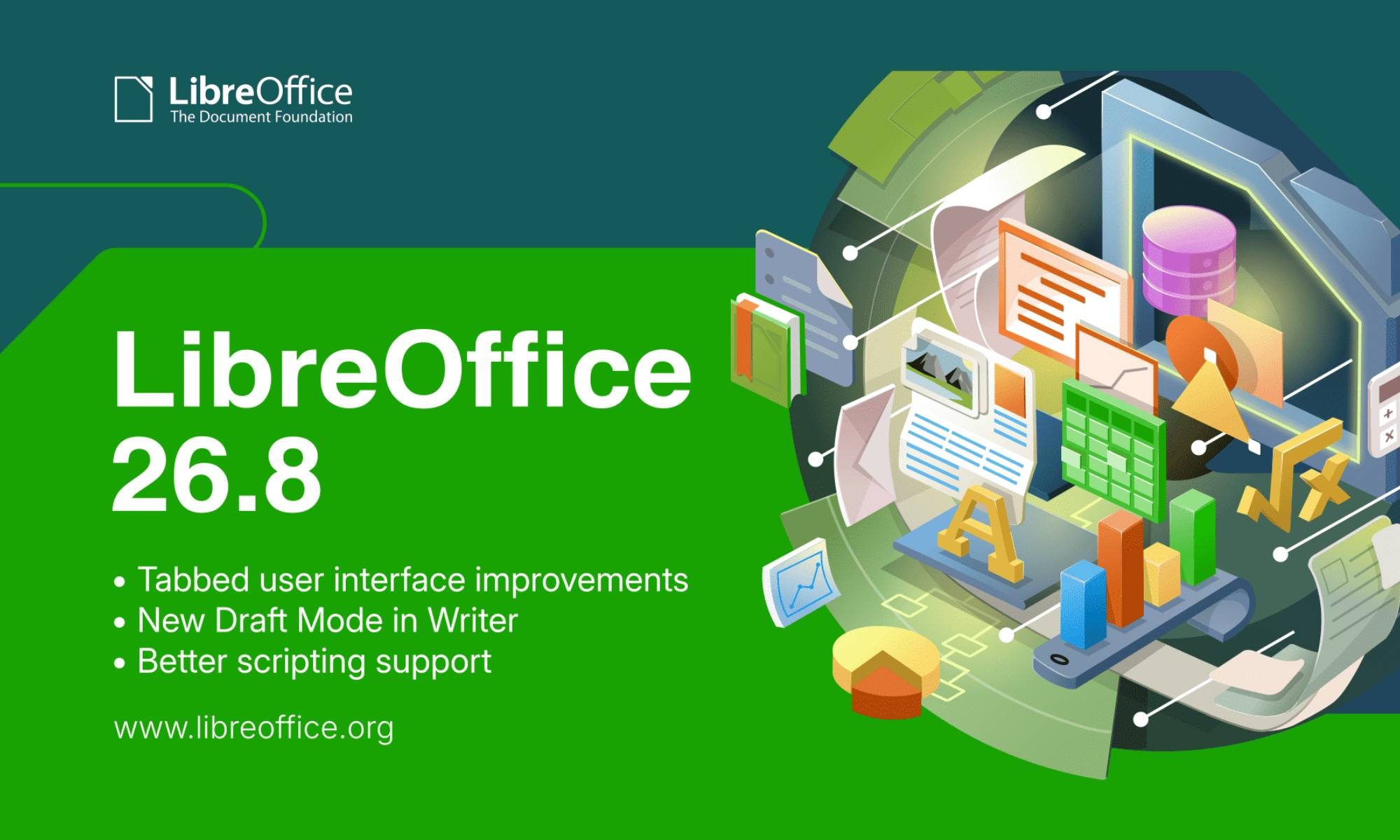
While tech giants remain locked in a relentless arms race to shove generative AI into every conceivable aspect of your life, the team behind the open-source office suite LibreOffice is taking the opposite approach. The Document Foundation today released LibreOffice 26.8 for Windows, macOS, and Linux, and instead of clogging up your toolbars with unnecessary chatbots or sending your documents off to cloud services, the update focuses entirely on fundamental, high-impact improvements for core office tasks.
Practical features aimed at improving your workflow
AI receptionists seem like a dangerous idea after a patient revealed it failed to understand her request
Your GP has an AI receptionist, and it really hopes you speak clearly

AI receptionists are supposed to make calling the doctor easier. But a growing number of patients are finding that the opposite can be true - particularly when a machine struggles with the way they speak, understand instructions, or communicate their needs.
A recent case in South Yorkshire brings that problem into sharp focus. Judith Butterfield, a 71-year-old woman recovering from a stroke, told the BBC that an AI receptionist used by her GP surgery repeatedly failed to understand her speech when she tried to book an appointment. Her stroke had left her speech fragmented and affected movement on the right side of her body. After several unsuccessful attempts, she eventually registered with another practice.










/cdn.vox-cdn.com/uploads/chorus_asset/file/25848684/DCD_Gary_Smith_Ciena.png)









.jpg&h=630&w=1200&q=100&v=7abd35f457&c=1)