Google Drive steps up its video collaboration game with timestamped comments
Google Drive adds timestamped video comments, letting users pin feedback to exact moments on the timeline.
 Aliver
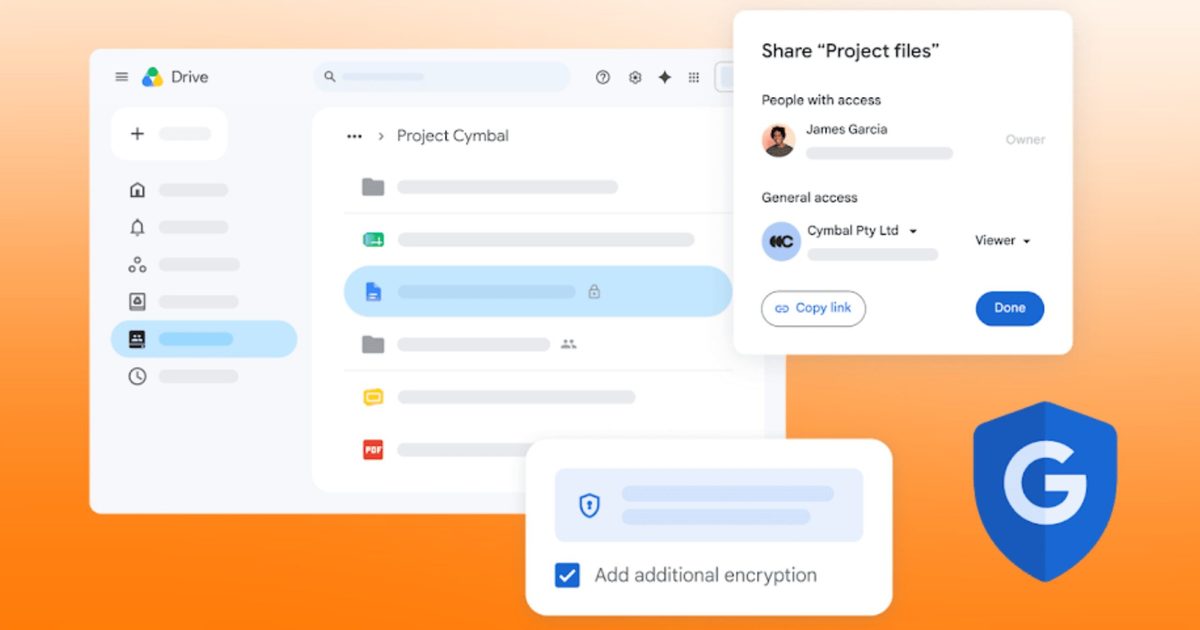
Google Drive's timestamped comments pin feedback to exact moments in videos.
 Google Workspace
Over the years, I’ve collaborated with many video editors and content creator friends of mine, often pointing out things like how the text isn’t visible around the two-minute mark or how the transition in the opening sequence feels a little off.
However, most of the time, they would end up scrubbing through the whole clip trying to find what I meant, or they’d ask me to send a screenshot of the exact moment I was referring to. Considering I wasn’t charging anything to spot those issues, that extra effort always stung a little. Thankfully, Google’s latest Workspace update finally fixes that.
 Google Workspace
So how does this actually work?
Google Drive now supports timestamped comments on videos. While reviewing a video, you’ll get a split button letting you choose between a universal comment and one linked to the exact moment you’re watching.
If you drop a timestamped note, it shows up as a little marker sitting on the video’s timeline, so that anyone reviewing the file later can click that marker, jump straight to that second, and see the relevant comment pop up automatically.
Basically, this removes the guesswork in dragging the scrubber and trying to figure out where the feedback applies. Everything you’d expect from Workspace comments still works, including replying, resolving, editing, and tagging teammates with an @ mention.
 Google Workspace
Who gets this, and what’s it actually good for?
Timestamped comments are available to every Google Workspace customer across Rapid Release and Scheduled Release domains. Both Workspace Individual subscribers and people with a personal Google account can use it. It’s enabled by default.
The catch, however, is that you can only create these timestamped notes on the web. Mobile users on iOS or Android can still view them, but they’re displayed as ordinary file comments instead of timeline markers.
In my opinion, the feature replaces the awkward back-and-forth of tracking timecodes in a separate WhatsApp group or Slack thread; it’s a quality-of-life improvement for those who rely on Google Drive for their daily editing or creation workflow.
If I zoom out a little, this fits Google’s broader pattern of quietly bridging feature gaps against dedicated review tools like Frame.io and Vimeo. For those catching up, these platforms have offered timestamped video feedback for quite some time now.

For more than five years, Shikhar has consistently simplified developments in the field of consumer tech and presented them…
Save big on DJI creator gear with these AliExpress August deals
Save on DJI's most popular creator cameras during the AliExpress August promotion. Discover the best deals on the Osmo 360, Pocket 3, Pocket 4, and Creator Combos before the sale ends.
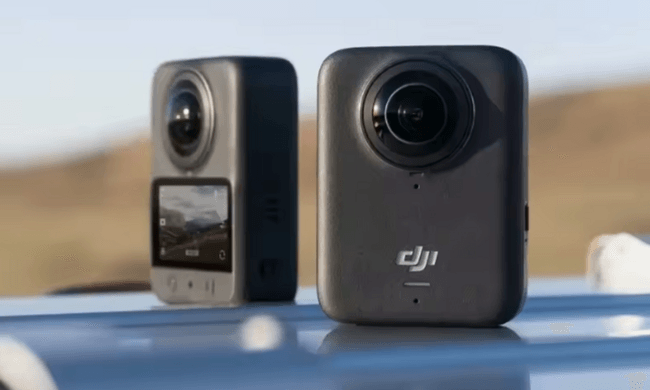
This post is brought to you in paid partnership with AliExpress
Content creation has never been more accessible, but building a capable camera kit is still a costly investment. Whether you're chasing cinematic travel videos, growing a YouTube channel, or capturing everyday moments with professional polish, the right gear doesn't come cheap. AliExpress's August promotion puts some of DJI's most popular creator gear within easier reach, thanks to discounts across the Osmo lineup. Shoppers can also save even more at checkout with exclusive Digital Trends coupon codes, offering up to an extra $70 off eligible orders depending on the purchase value. If an upgrade has been on your wishlist, this is a good time to make it happen.
Samsung is cracking down on TV apps that quietly shared users’ internet connections
Researchers found some apps kept sharing your internet after closing.
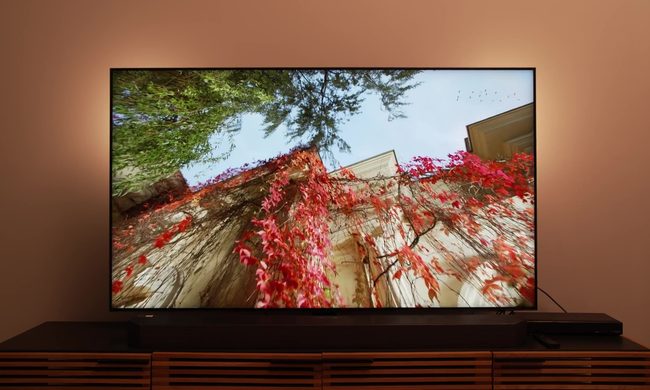
I've never once suspected my smart TV of moonlighting as someone else's internet connection. However, that's apparently been happening to millions of Samsung smart TV users.
So what exactly did researchers find?
Samsung may finally be working on Galaxy Buds that won’t fall out during a run
Samsung is reportedly working on another new Galaxy Buds design, this time with ear hooks that could keep them secure during workouts.
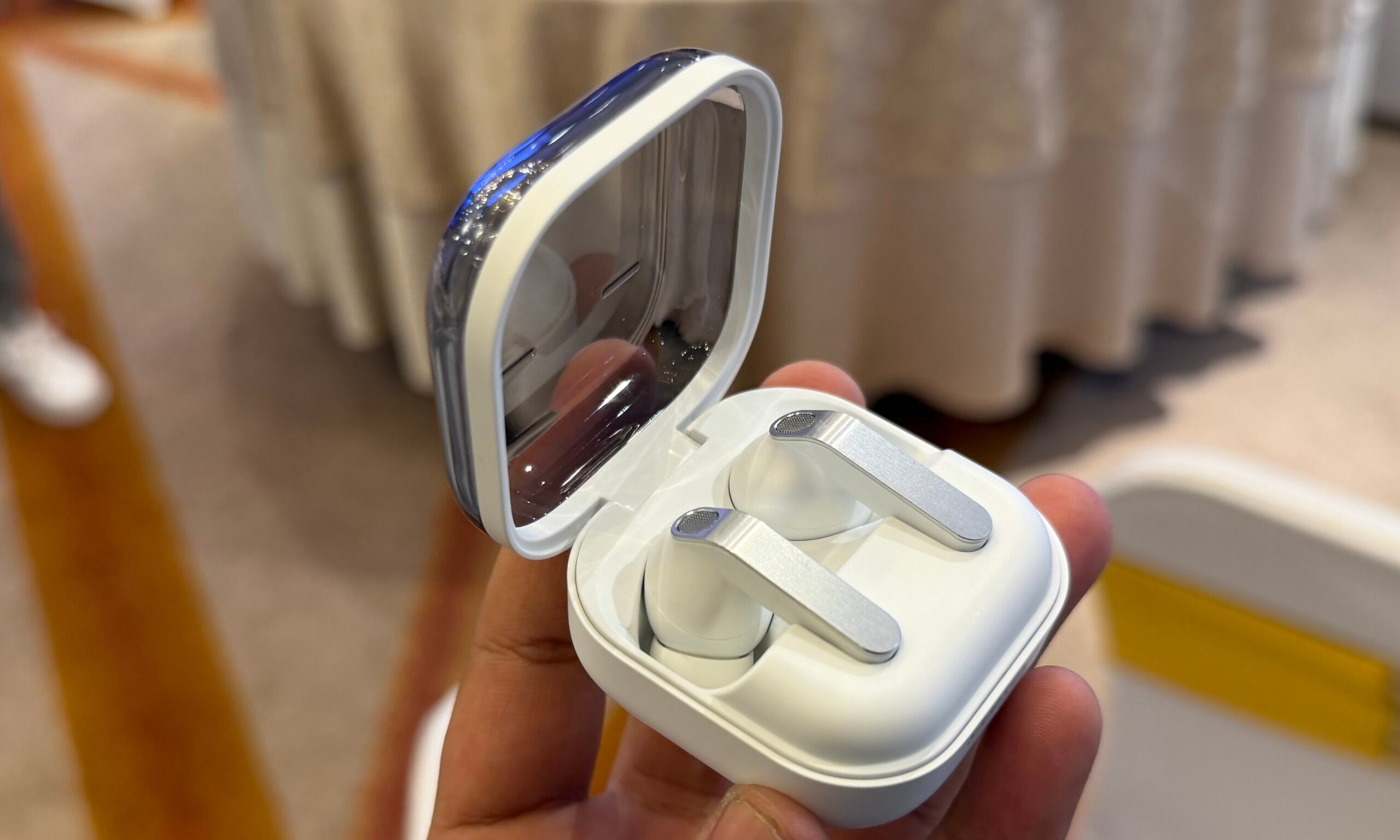
Samsung has largely stuck with traditional designs for its Galaxy Buds lineup over the years, with the bean-shaped Galaxy Buds Live standing out as the one truly radical departure. But that appears to be changing, as Samsung experiments with designs its rivals have embraced for years. Just a day after leaked renders offered an early look at the clip-on Galaxy Buds On, a new leak has shed light on another upcoming pair of Galaxy Buds targeted at gym-goers and athletes.
A design built for movement
























![AEO checker tools that measure answer engine visibility [2026]](https://53.fs1.hubspotusercontent-na1.net/hubfs/53/aeo-checker-1-20260903-3858273.webp)