Microsoft wants to stop screenshot leaks, one Edge tab at a time
Microsoft is closing a security gap that allowed sensitive PDFs to be captured inside web browsers. Though the protection initially requires Edge and an enterprise account.
 Kass
Kass
Sensitive PDFs are getting screenshot protection, exclusively in Microsoft Edge
 Zulfugar Karimov / Unsplash
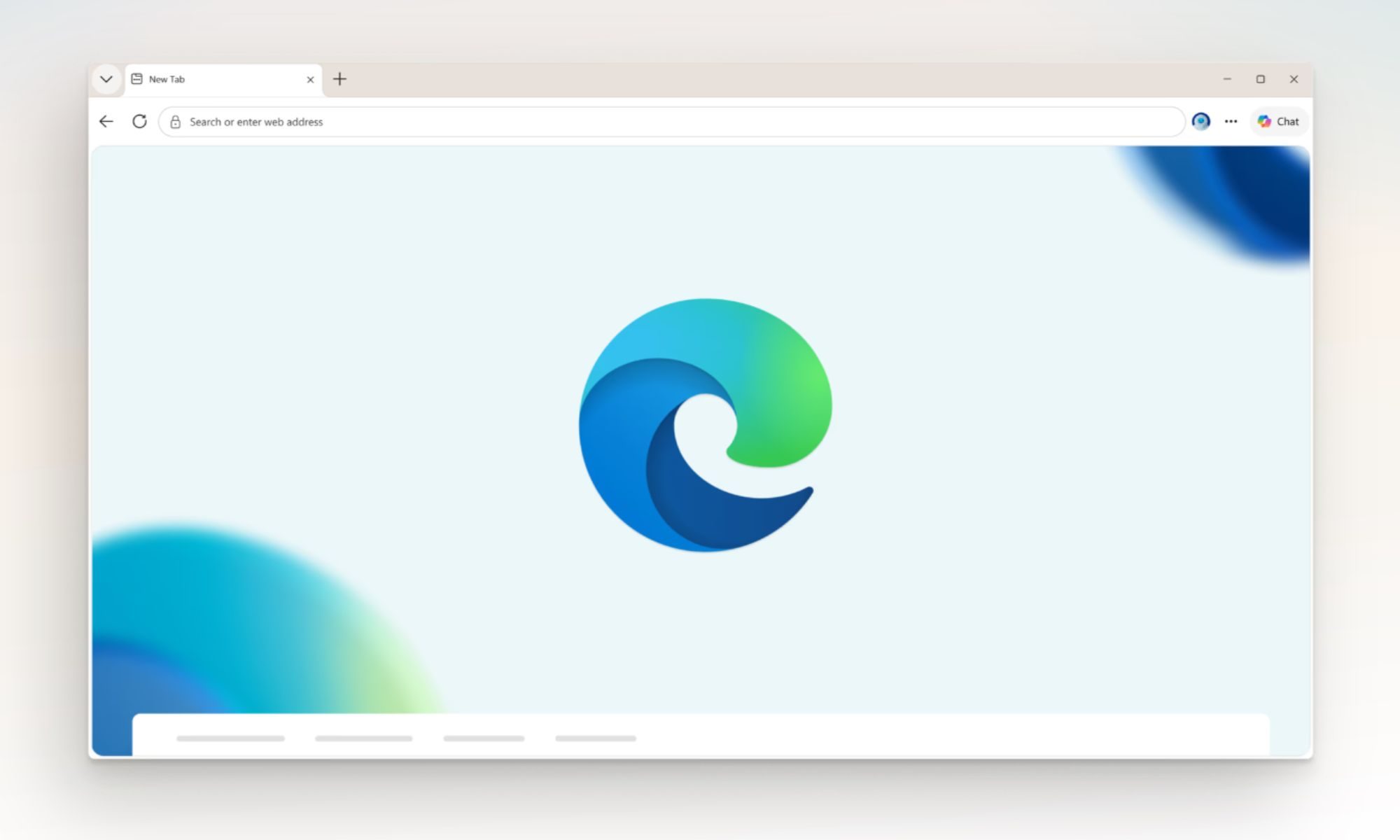
Microsoft is looking to improve the privacy protection of your sensitive PDFs by closing one of the more obvious loopholes in its document protection system. It is also giving businesses another reason to keep Microsoft Edge firmly installed.
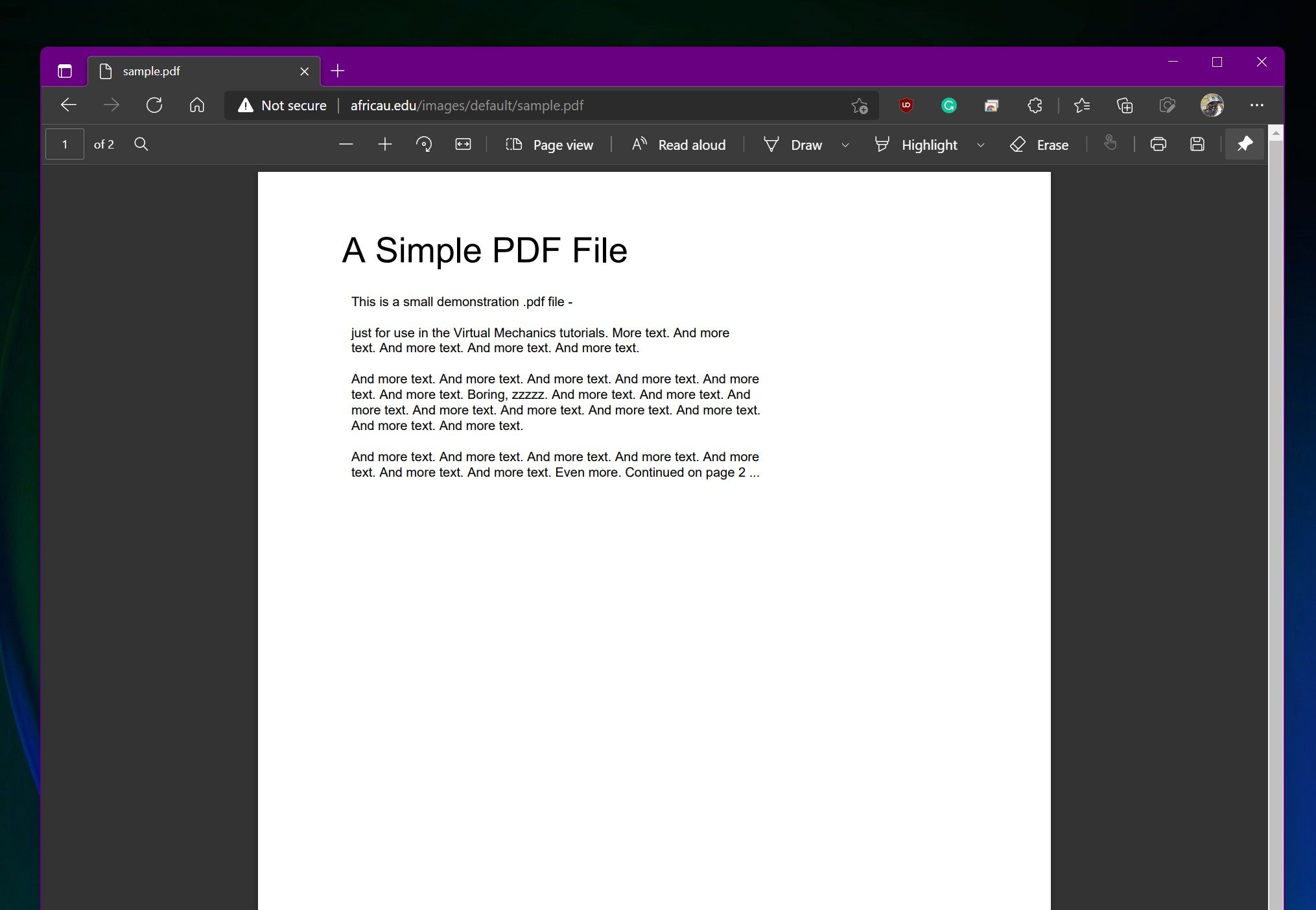
Starting next month, OneDrive and SharePoint will block screen captures when users open certain sensitivity-labeled PDFs through their web viewers in Microsoft Edge. The restriction applies to enterprise organizations using Microsoft Purview Information Protection rather than ordinary personal OneDrive accounts.
Your ordinary PDFs will continue as usual
The protection applies specifically to PDFs carrying a sensitivity label without the Copy, also described as EXTRACT, permission. If these conditions are met, screen capture enforcement will activate by default when the document is viewed in Edge. Existing labels and organization policies remain in place.
 Microsoft
Unlabeled files and labels without these restrictions continue behaving normally. The feature affects OneDrive for Business and SharePoint Online, so you will not suddenly lose the ability to screenshot a restaurant menu or instruction manual. The company added that the change aims to close a gap between its desktop applications and browser experience.
Purview labels could already prevent actions such as editing, printing, copying, and taking screenshots in supported desktop apps. However, PDFs opened in the browser did not consistently respect the same screen-capture control. Admins can also disable local downloads, preventing users from simply saving a protected document and reopening it elsewhere.
The protection currently ends at Edge
 Digital Trends
Chrome, Firefox, Safari, and other mobile web browsers will not support the restriction when it reaches general availability. Microsoft warns that users opening protected documents outside Edge may receive inconsistent enforcement, and it recommends that businesses use Conditional Access or browser-management policies to direct employees toward Edge.
Unfortunately, this is exclusive to Microsoft Edge at the moment. The security benefit is easy to understand, especially for companies sharing sensitive documents like financial records, legal material, or unreleased products. Its effectiveness depends heavily on convincing, or requiring, everyone involved to use Microsoft’s browser.
Windows Latest reports that support for additional browsers and mobile apps could arrive later. Microsoft’s current notice does not provide a broader rollout date. Targeted organizations should begin receiving the feature in early August, followed by a worldwide general rollout between the middle and end of the month.

Vikhyaat Vivek is a tech journalist and reviewer with seven years of experience covering consumer hardware, with a focus on…
Samsung’s new OLED laptop panels just got a lot brighter, and they’ll last longer too
1,600 nits peak brightness, deeper blacks, and double the lifespan, all in one panel.

A month after showing off its brightest smartphone displays, Samsung Display is turning up the brightness dial on laptop screens. The company confirmed today that it has begun supplying a new tandem OLED panel for laptops that meets VESA's brand-new DisplayHDR True Black 1400 certification, the toughest brightness bar OLED panels have had to clear so far. If you ever felt that your laptop display looks washed out outdoors, this update is aimed squarely at you.
What advancements does True Black 1400 bring to the table?
The Mac Pro nearly received an M3 Extreme chip twice as powerful as M3 Ultra
High production costs likely killed Apple’s M3 Extreme plans
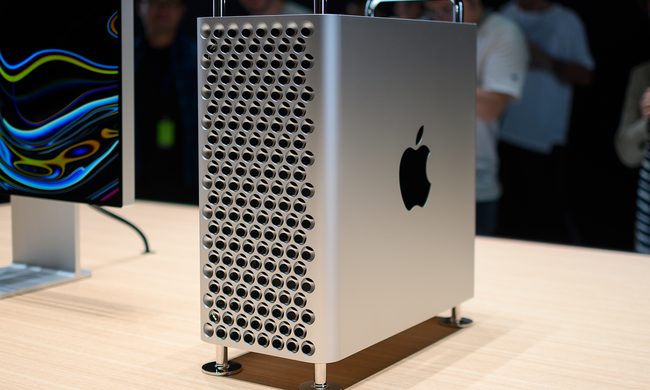
Apple discontinued the Mac Pro earlier this year, ending a 20-year run for a computer that once represented the very best of the company’s desktop lineup. However, Apple reportedly had much bigger plans for the machine before ultimately replacing it with the Mac Studio.
According to Bloomberg’s Mark Gurman, Apple developed an M3 Extreme chip that could have offered twice as many CPU and GPU cores as the M3 Ultra. The processor was intended to sit above the Ultra tier and could have finally given the Mac Pro the performance advantage it badly needed. Apple eventually abandoned the chip due to concerns over production costs and limited demand for such an expensive machine.
Hidden prompts can secretly rewrite an AI’s memory, and researchers say that’s a serious problem
Researchers discover AI attack that rewrites an assistant's long-term memory

Large language models are getting better at remembering us. Whether it's your preferred writing style, recurring tasks, shopping habits or project deadlines, AI assistants are increasingly storing long-term memories to make future conversations feel more personal and useful. But according to new research, that same feature could become one of AI's biggest security vulnerabilities.
Researchers from New Mexico State University have demonstrated a new attack called GhostWriter, capable of secretly planting false memories inside AI agents. Rather than stealing information outright, the attack manipulates what an AI remembers, potentially causing it to make dangerous decisions long after the original attack has taken place.