WhatsApp’s Liquid Glass redesign is finally coming to Mac after months of waiting
WhatsApp has begun rolling out its Liquid Glass-inspired redesign for Mac, introducing a refreshed interface, improved navigation and dedicated sections for Locked Chats and Communities.
 ValVades

WhatsApp's Mac app is getting Apple's Liquid Glass-inspired makeover
 Unsplash
WhatsApp has been steadily adopting Apple’s new design language across its apps, but Mac users have largely been left watching from the sidelines. That is finally beginning to change.
The messaging platform has started rolling out its Liquid Glass redesign for the WhatsApp Mac app, bringing the desktop experience much closer to what iPhone and iPad users have been seeing over the past few months. The update introduces a refreshed interface with redesigned navigation elements, updated menus, and a cleaner layout that aligns with Apple’s latest software aesthetic. According to WABetaInfo, the rollout has begun through the latest Mac App Store update and is currently reaching a limited number of users.
The redesign isn’t introducing new messaging features or AI tools. Instead, it focuses on visual consistency, an area that has become increasingly important as Apple pushes developers to adopt a unified design language across its ecosystem.
A familiar look, now on the Mac
The updated WhatsApp for Mac brings several interface changes that make it feel more like its mobile counterparts. The sidebar has been redesigned to better organize conversations and navigation, while the chat bar and attachment menu have also received a visual refresh. One practical improvement is the addition of dedicated sections for Locked Chats and Communities.
Previously, locked conversations appeared alongside regular chats on the Mac app. Now they sit in their own section and require authentication before they can be accessed, matching the privacy experience already available on the iPhone. Communities, meanwhile, are now accessible directly from the sidebar instead of being buried within the main chat list.
 WhatsApp Unsplash
The rollout has been a gradual one. WhatsApp first began experimenting with Liquid Glass on iOS last October before expanding it more broadly earlier this year. The Mac app received a handful of visual tweaks last month, but this latest update is the first to bring the redesign together into a more cohesive experience. WABetaInfo reports that the new interface is currently available to a limited number of users and will expand to more accounts over the coming weeks.
Design consistency is becoming just as important as new features
It’s easy to dismiss interface updates as cosmetic, especially when they don’t introduce headline-grabbing features. But desktop messaging apps have become an increasingly important part of everyday workflows. Many users now spend as much time chatting from a Mac as they do from their phones, whether for work, family conversations or community groups. When the desktop app feels noticeably different from its mobile counterpart, switching between devices can feel surprisingly jarring.
 WhatsApp Unsplash
Apple has made interface consistency a major priority with its latest operating systems, encouraging developers to build experiences that feel familiar regardless of the screen you’re using. WhatsApp’s Mac redesign follows that direction by bringing its desktop app in line with the iPhone and iPad versions rather than treating it as a separate product.
The update also suggests Meta continues to invest in WhatsApp’s desktop experience at a time when messaging platforms are increasingly expected to deliver the same features, security and polish across every device. As the rollout reaches more users over the coming weeks, Mac owners can expect an app that feels less like a desktop companion and more like a natural extension of the WhatsApp experience they’ve already become accustomed to on Apple’s mobile devices.

Moinak Pal is has been working in the technology sector covering both consumer centric tech and automotive technology for the…
NVIDIA’s new AI can detect deepfake videos in just 22 milliseconds
NVIDIA has a new AI tool that can tell fake videos from real ones in milliseconds
As generative AI becomes increasingly capable of producing videos that are nearly indistinguishable from real footage, the race is no longer just about creating synthetic media. It's about detecting it before it spreads.
At SIGGRAPH 2026, NVIDIA unveiled Synthetic Video Detector, a new AI-powered verification tool designed to identify AI-generated videos with remarkable speed and accuracy. Rather than replacing traditional fact-checking or forensic analysis, the company says the technology is intended to give newsrooms, broadcasters and enterprises another layer of confidence before synthetic videos enter the public domain.
Dell XPS 14 (2026) Review: Dell’s classic Windows laptop returns, and it’s hard to put down
The icon returns, and shows why it's still relevant
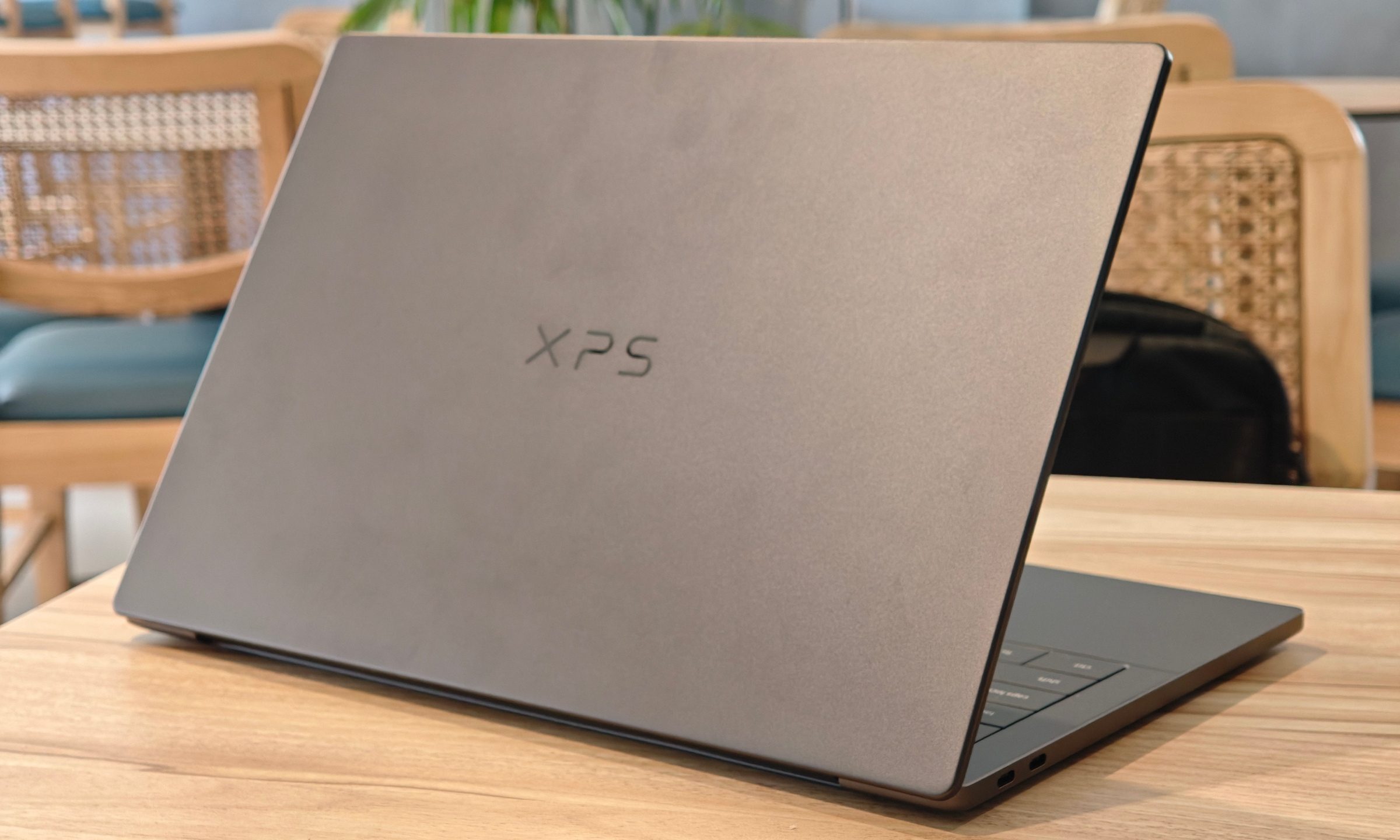
Quick take
Dell’s XPS line has always carried a certain weight. It is one of those Windows laptop families that people recognize even if they don’t follow laptops too closely. Clean design built with premium materials, sharp displays, and high-end hardware. The Dell XPS 14 DA14260 continues that legacy.
Samsung’s secret AI chip could finally cool down Exynos phones
Samsung's GAIA AI chip is landing in laptops first, but its shared DNA with Exynos hints at a real fix for phones down the line.

If you've ever owned an Exynos-powered Galaxy phone, you already know the drill: heavy tasks like capturing back-to-back pictures or photos for a while, heavy gaming, or rendering videos turn your device into a hand warmer.
In such a situation, the battery bar drops faster than usual as well. Turns out, Samsung might be working on the fix, and it's coming in a way nobody expected.











/cdn.vox-cdn.com/uploads/chorus_asset/file/25826092/257467_Meta_Quest_3S_AKrales_0140.jpg)









.jpg&h=630&w=1200&q=100&v=c0f97a310e&c=1)