Adobe wants Firefly to handle the entire soundtrack for your videos
Adobe Firefly has spent the past few years learning to make images and video. Now Adobe wants it handling the soundtrack too. Generate Music, Generate Speech, and Generate Sound Effects are now generally available in Firefly, giving creators tools...
 JimMin
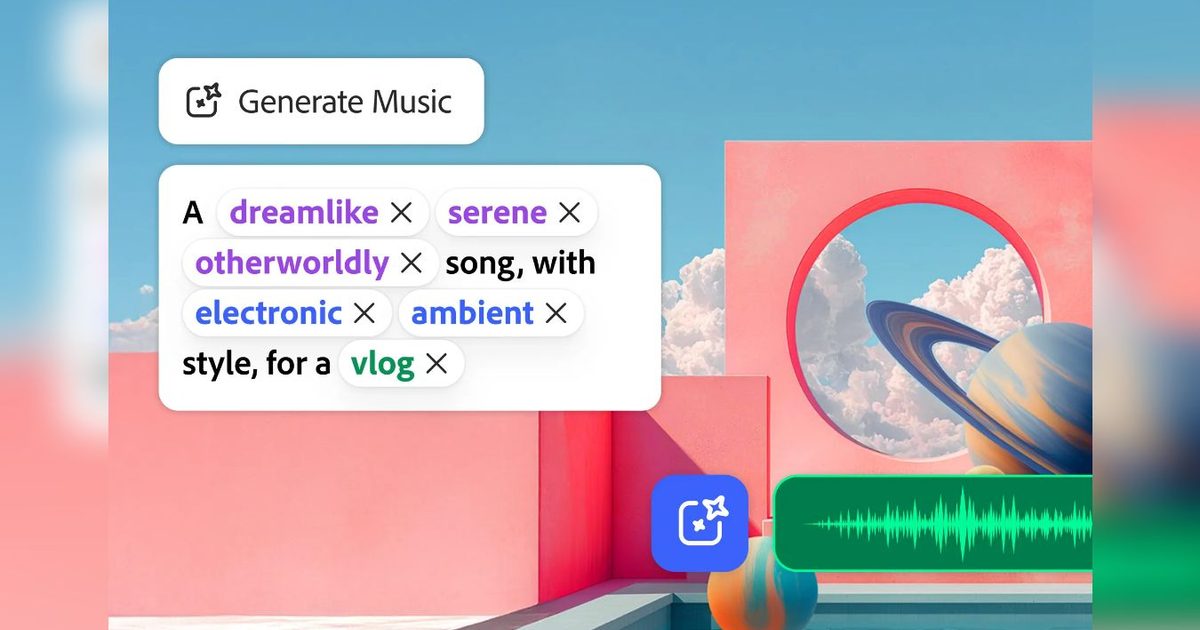
Generate Music, Generate Speech, and Generate Sound Effects are now generally available, covering most of the audio work around a typical video
 Adobe
Adobe
Adobe Firefly has spent the past few years learning to make images and video. Now Adobe wants it handling the soundtrack too.
Generate Music, Generate Speech, and Generate Sound Effects are now generally available in Firefly, giving creators tools for producing music, narration, and custom effects without leaving Adobe’s AI workspace. Adobe says Generate Music can create fully licensed, royalty-free tracks, while Generate Speech supports voices in more than 20 languages.
That gives Firefly a much bigger role in video production. Instead of generating a clip and then bouncing between other tools to finish it, creators can now keep more of the audio work in the same place.
What the three tools actually do
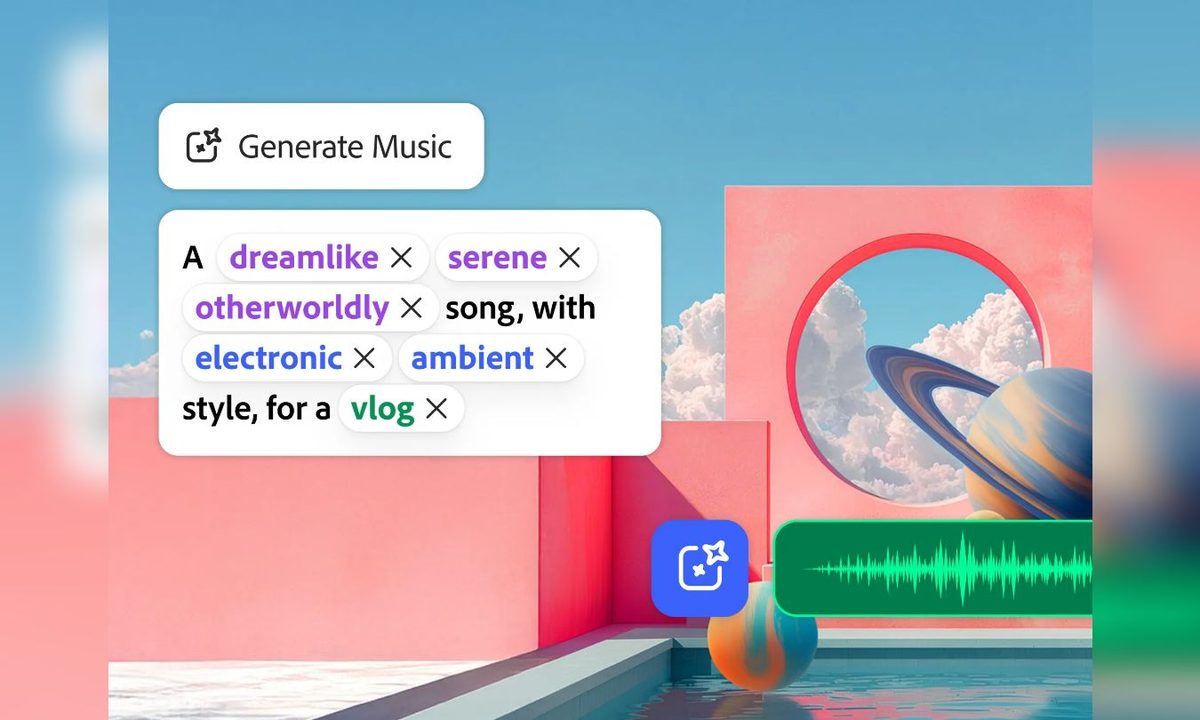
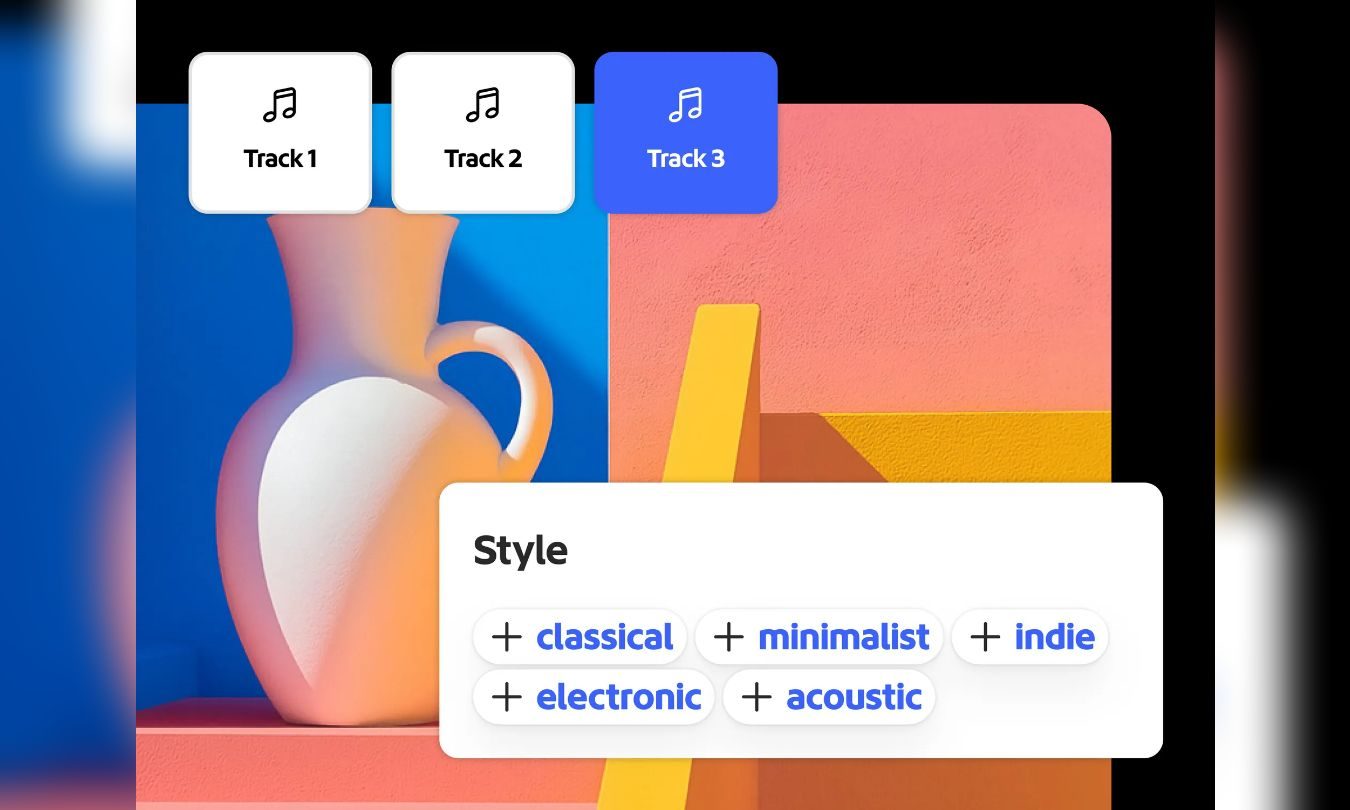
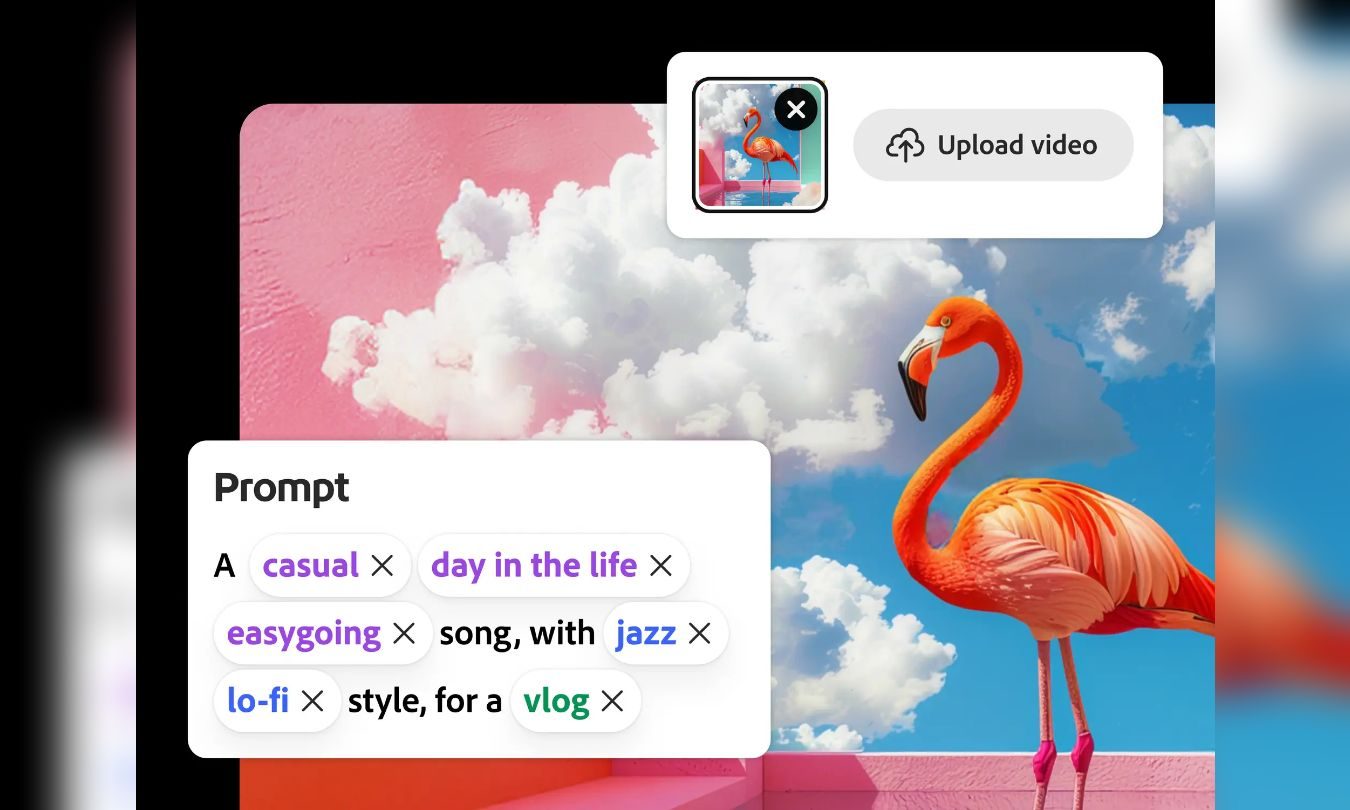
Generate Music can build instrumental tracks from a description, with controls for things like genre and tempo. Firefly can also analyze an uploaded video and create music that better fits the footage.
 Adobe
Adobe
Generate Speech handles narration by turning scripts into voiceovers with adjustable delivery and pronunciation. Adobe says it supports more than 20 languages, which could make alternate versions of the same video easier to produce.
Generate Sound Effects covers the smaller details around those two. Creators can describe an effect with text or use reference audio as guidance, including a vocal performance meant to shape the result.
Taken together, those tools cover a large chunk of the audio work that would usually send creators elsewhere.
Why Adobe wants this inside Firefly
Every extra tool adds another handoff. Music may come from one service, narration from another, and effects from somewhere else entirely.
Adobe is trying to cut down those detours by keeping more of the workflow inside Firefly. For creators already using it for images or video, that could mean fewer exports and less time jumping between apps before a project is ready to publish.
Convenience will only carry this so far, though. Creators who already trust dedicated audio tools still need a reason to replace them.
 Adobe
Adobe
What creators should watch next
The real test is whether Firefly’s generated audio is consistently good enough to earn that bigger role. A soundtrack or voiceover can meet the prompt and still sound generic or awkward once it’s attached to a polished video.
Adobe has made the direction clear. Firefly is moving deeper into the production process, and audio gives creators another reason to stay there after the first image or video has been generated.

Paulo Vargas is an English major turned reporter turned technical writer, with a career that has always circled back to…
I upgraded from the M1 to the M5 MacBook Air, and the speakers got worse
Hiding speakers inside the hinge trades acoustic performance for a thinner chassis and cleaner industrial design.
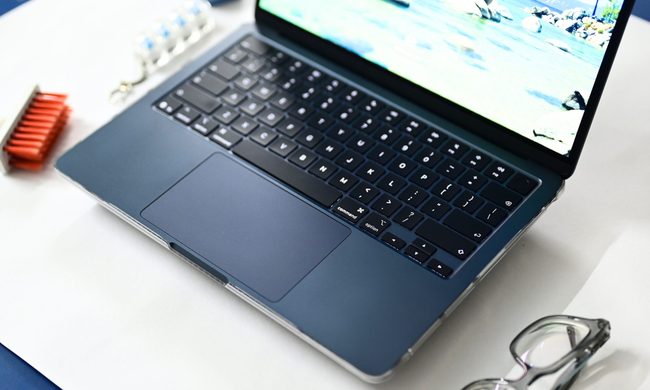
I used the M1 MacBook Air as my primary laptop for nearly four years. During that time, I used it for everything from drafting news stories to editing photos for reviews, working from flights to weekend workcations. And if there was one thing that earned more compliments than the slim chassis and overall design, it was the speakers.
Whether I am watching an Apple keynote on YouTube, a stand-up comedy special in my room, a movie with a couple of friends on a workcation, or simply hearing the charging chime and notification sounds, the M1 MacBook Air always sounded remarkably clear and surprisingly loud. Be it the ghosts screaming in The Conjuring, the web-swinging sounds during an intense Spider-Man action sequence, or Chandler's one-liners from Friends, it never really sounded like audio coming from a laptop.
ChatGPT can now read your Apple Messages chats on Mac
A new ChatGPT integration brings Apple Messages into the AI assistant, giving it another source of context on your Mac.
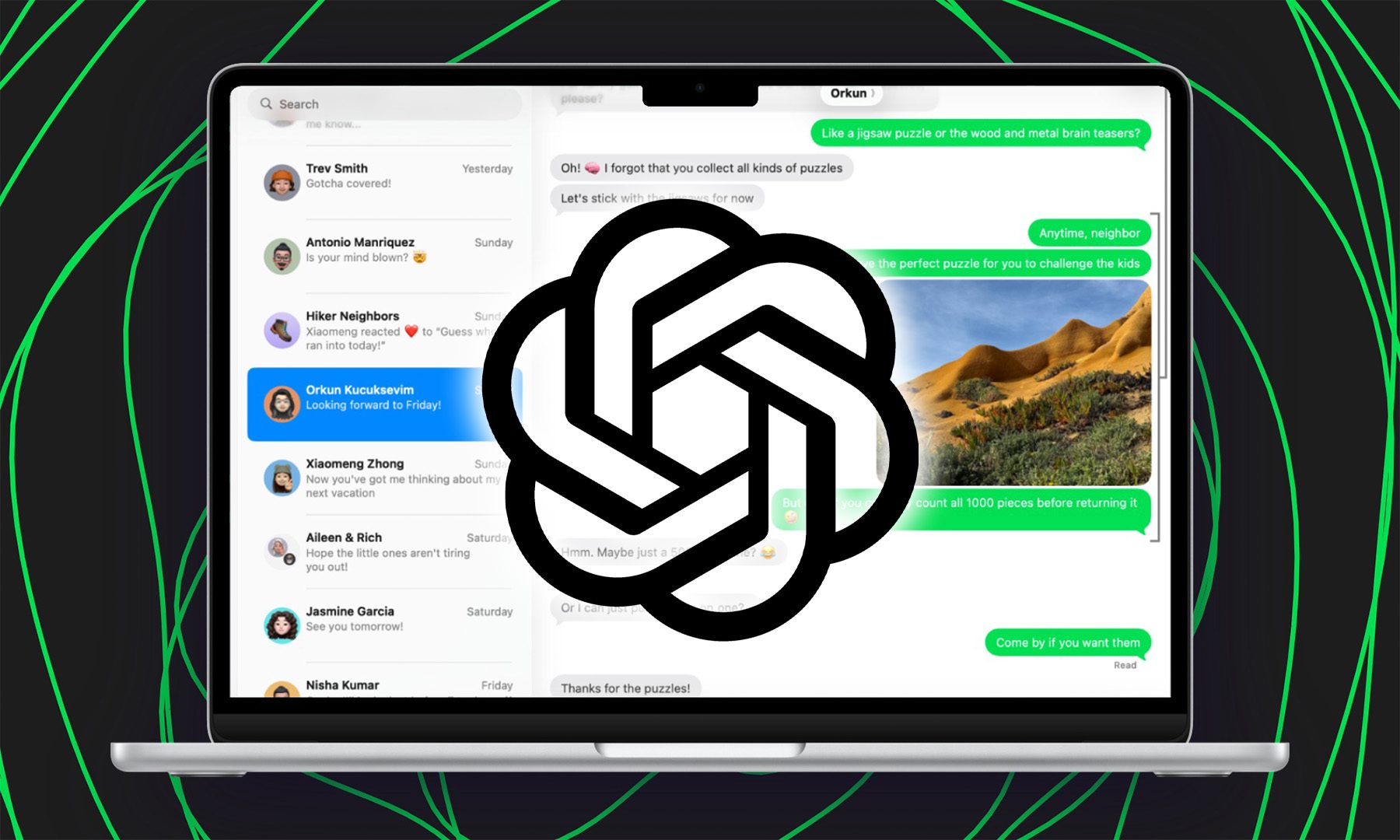
ChatGPT is getting a little more comfortable inside the Mac, with its latest update adding an Apple Messages integration. The feature lets users bring conversations from Apple's Messages app into ChatGPT, giving the assistant another source of context without requiring users to manually copy and paste entire conversations.
Another app joins ChatGPT's growing ecosystem
The secret CIA connection behind NeXT’s survival and Jobs’ return to Apple
The CIA may have helped keep Steve Jobs’ NeXT alive
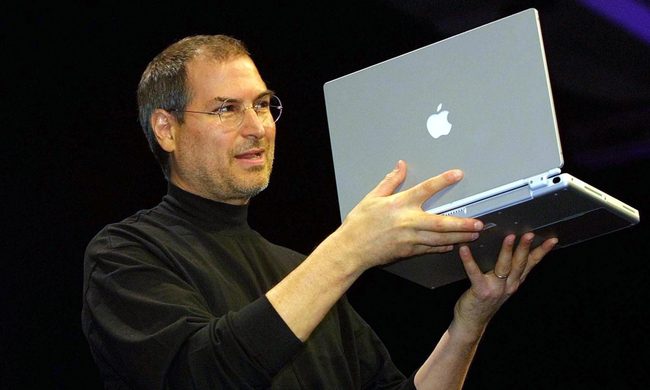
Steve Jobs’ return to Apple is usually told as one of Silicon Valley’s great comeback stories. A new account suggests there was another, far less public chapter that helped make it possible: a classified relationship between Jobs’ struggling computer company, NeXT, and the CIA.
According to a report by Sharon Weinberger in The Wall Street Journal, the CIA quietly became an important customer for NeXT in the late 1980s, buying thousands of specially configured workstations at a time when Jobs’ company badly needed sales. The arrangement, the report argues, helped keep NeXT afloat and gave Jobs several more years to develop as a business leader before Apple brought him back in 1996.




















![What AI Bot Data From Hundreds Of Sites Reveals About AI Search [Webinar] via @sejournal, @lorenbaker](https://cdn.searchenginejournal.com/wp-content/uploads/2026/08/ap2-copy-728.png)