Adobe Photoshop now has an AI editor for people who’d rather prompt
Photoshop’s new AI Assisted Editor gives users a prompt-first way to make edits, while Adobe keeps the traditional Pro Editor intact and adds new tools for masks, markup, lighting, and text.
 ValVades
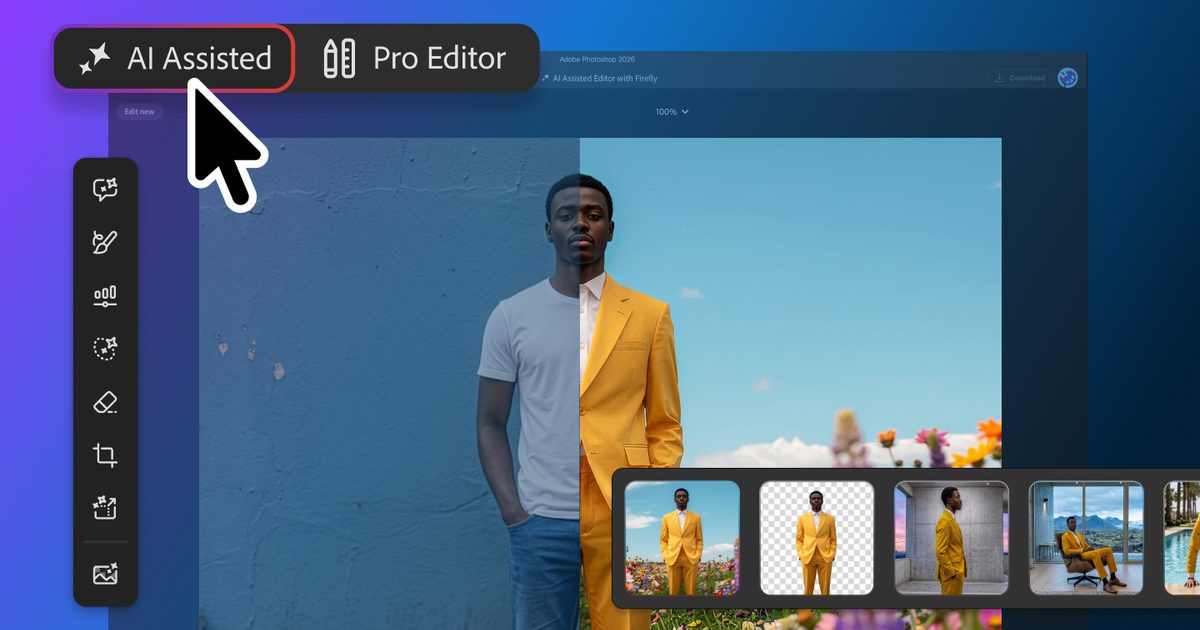
Adobe’s new AI Assisted Editor turns natural-language requests into edits, while a wider update also brings smarter masks, visual markup, and new manual controls
 Adobe
Adobe
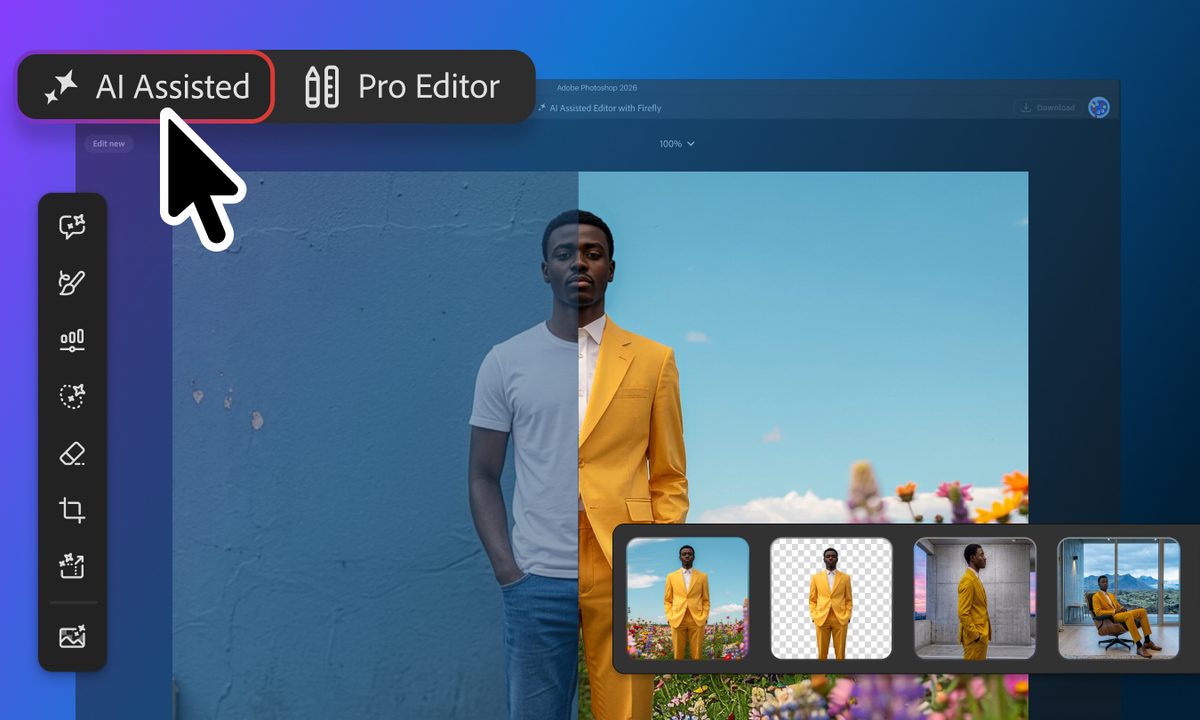
Adobe is giving Photoshop users a new way into the app without making them start with its full editing interface. The new AI Assisted Editor, launching in beta, centers a separate workspace around a natural-language prompt bar and several generative tools.
The traditional Pro Editor isn’t going away. Instead, the new workspace gives less experienced users a different starting point, where they can describe the change they want and let Photoshop handle more of the setup. It’s another step toward the kind of prompt-driven image editing that has increasingly turned creative software into something you can talk to.
What the AI editor actually does
The AI Assisted Editor brings common tasks into a prompt-first interface. You can remove a background or extend an image from a written instruction instead of setting up every step manually. It also includes Generative Fill, which can add, replace, or remove content.
 Instruct Edit Masks Adobe
Prompt to Edit takes that idea further by changing an entire image without requiring a selection first. It also works inside the Pro Editor’s Contextual Task Bar, where Photoshop places each result in a generative layer so the edit stays organized and non-destructive.
Experienced users therefore don’t have to choose between the new AI workflow and the layer-based editor they already know. Adobe has been moving in this direction for a while, including its broader push toward conversational editing across Photoshop and its other creative apps.
Where the AI gets more precise
Adobe is also adding more control over where generated edits actually land.
Instruct Edit with Masks, powered by Firefly Image 5, can consider the full image while restricting changes to a masked area. Adobe gives opening someone’s closed eyes as one example, while keeping everything outside that area untouched.
Markup tackles the same problem visually. You can draw over an image to indicate what should change or where something should go. That makes the process feel a little less like negotiating with a chatbot and more like actually directing an edit.
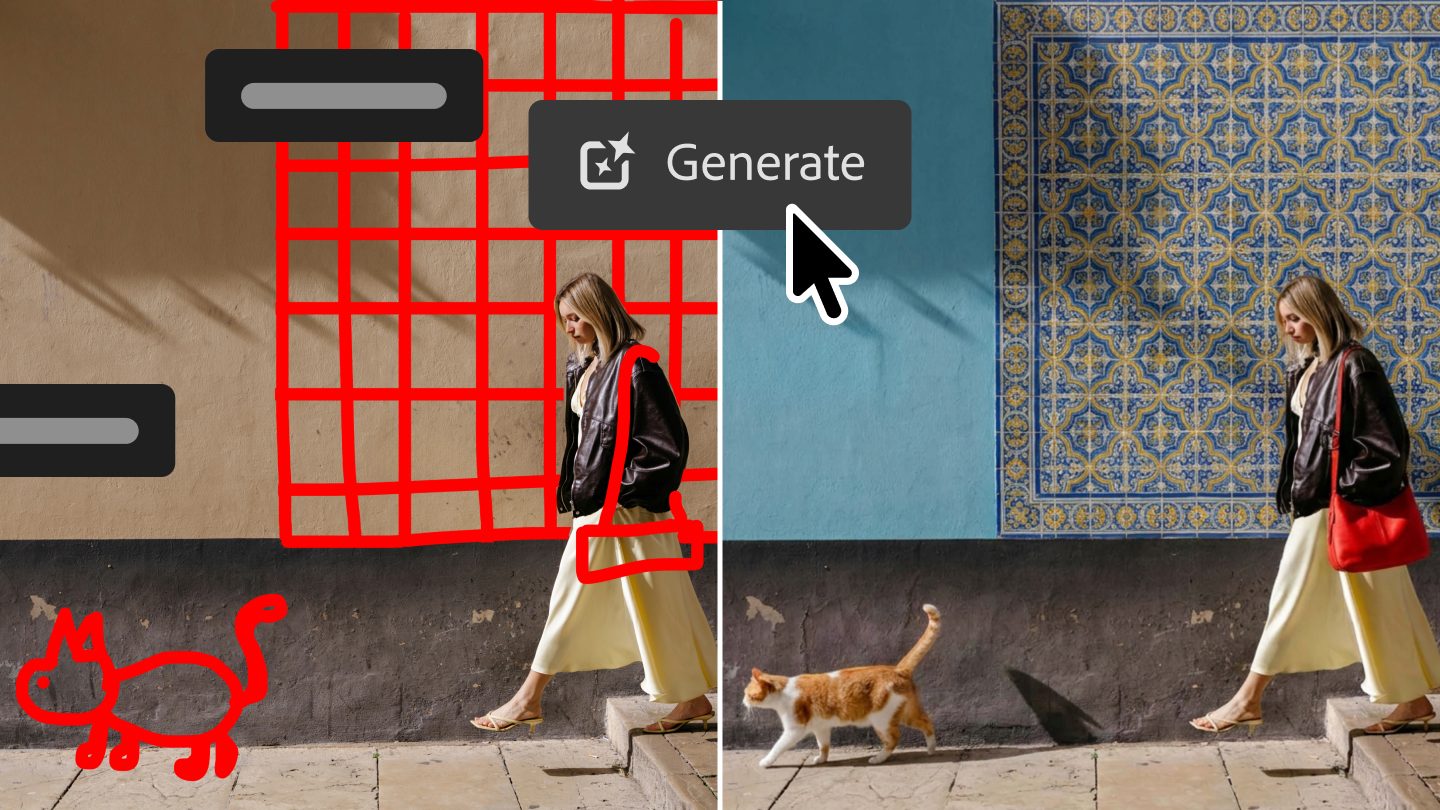 Markup image Adobe
Photoshop itself is still getting upgrades
A new Light Adjustment Layer brings controls such as exposure and contrast into a non-destructive layer, giving users more room to make traditional adjustments without leaving the main Photoshop workflow.
Dynamic Text now works with custom shapes and paths. Adobe is also adding a dockable Stock panel that puts more than 900 million Adobe Stock assets directly inside Photoshop.
Taken together, the update gives Photoshop two clearer routes into the same kind of work. Experienced editors can stay in the Pro Editor, while people intimidated by Photoshop’s learning curve can start by describing what they want. For anyone still weighing Photoshop against other photo editing software, that lower-friction entry point changes one of the app’s biggest longstanding tradeoffs.

Paulo Vargas is an English major turned reporter turned technical writer, with a career that has always circled back to…
Windows 11 may soon let you shut down your PC from your phone
No more wondering if you left your PC running after leaving home, if Microsoft rolls this feature out

Microsoft has been working on making Phone Link a bigger part of Windows 11, and one of its latest additions could also be one of the most useful.
The company appears to be testing new remote power controls for the Link to Windows app on Android. These would allow users to shut down or restart a connected Windows 11 PC directly from their phone, alongside options for sleep and installing pending updates before restarting or shutting down.
Claude Cowork gets its own browser that doesn’t touch your tabs, bookmarks, or saved passwords
Anthropic gives Claude its own built-in browser which is separate from your personal browser.
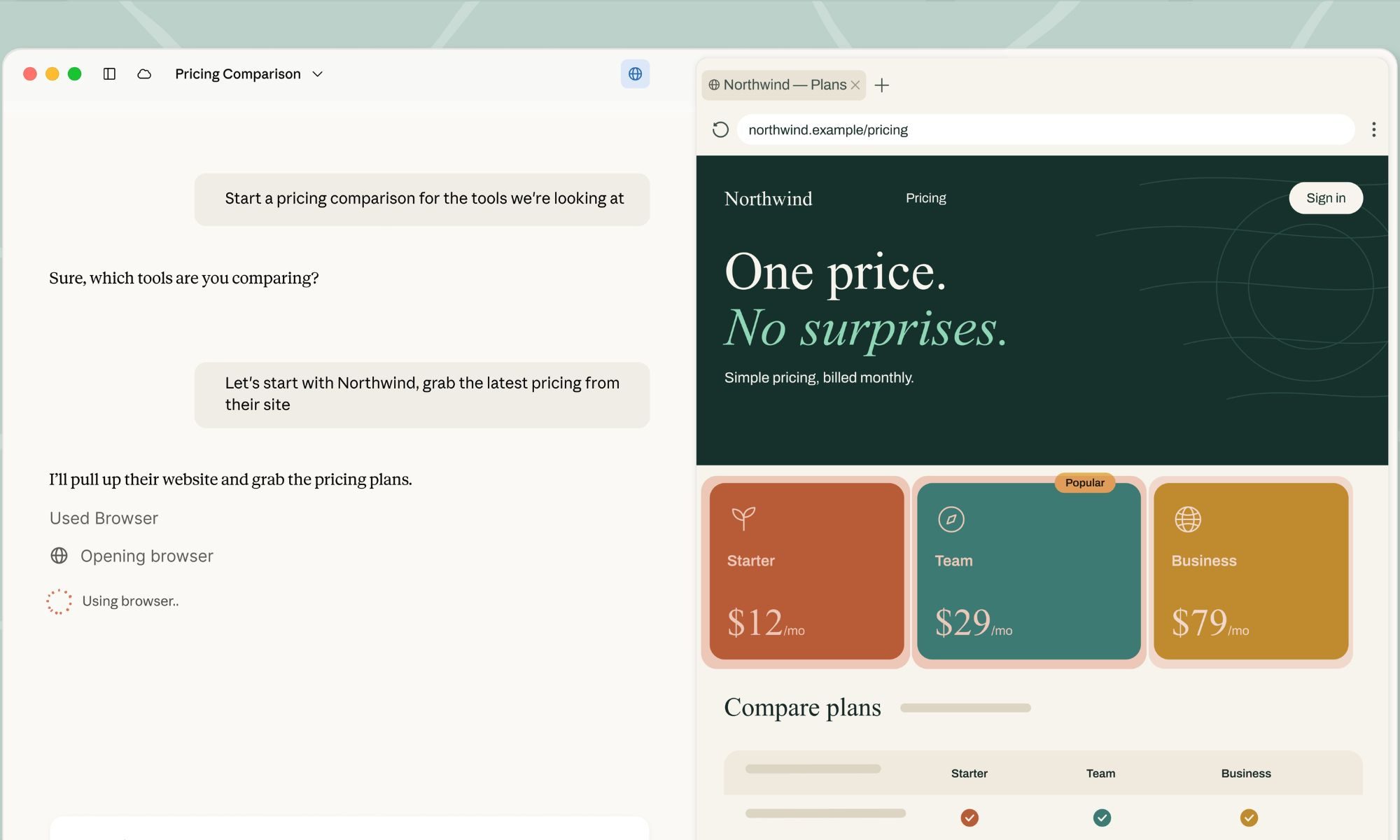
Claude Cowork just got its own browser, built directly into the desktop app. Until now, giving Claude web access inside Cowork meant handing it your actual Chrome browser through Claude in Chrome extension.
Now there's a second option. Claude can open its own separate browser inside the Cowork side panel and handle the web part of a task on its own, while you keep working on whatever you're doing.
Gemini 3.5 Transcribe wants you to stop worrying about being a perfect talker

We all ramble, backtrack, and stumble over our words when we speak out loud. Google's new Gemini 3.5 Transcribe is built keeping our imperfect speech in mind. Announced as the company's most precise speech-to-text model yet, it takes your messy, unpolished speech and turns it into clean, formatted text without expecting you to sound like a news anchor first.
It arrives alongside two companion models, Gemini 3.5 Live and Gemini 3.5 Live Experimental, and together the three make up what Google is branding "Gemini Audio."