OpenAI’s Codex now has a tiny AI pet that keeps you updated while you code
OpenAI has introduced Codex Pets, optional animated companions for its Codex desktop app that sit on your screen and track what the coding agent is doing in real time.
 Astrong
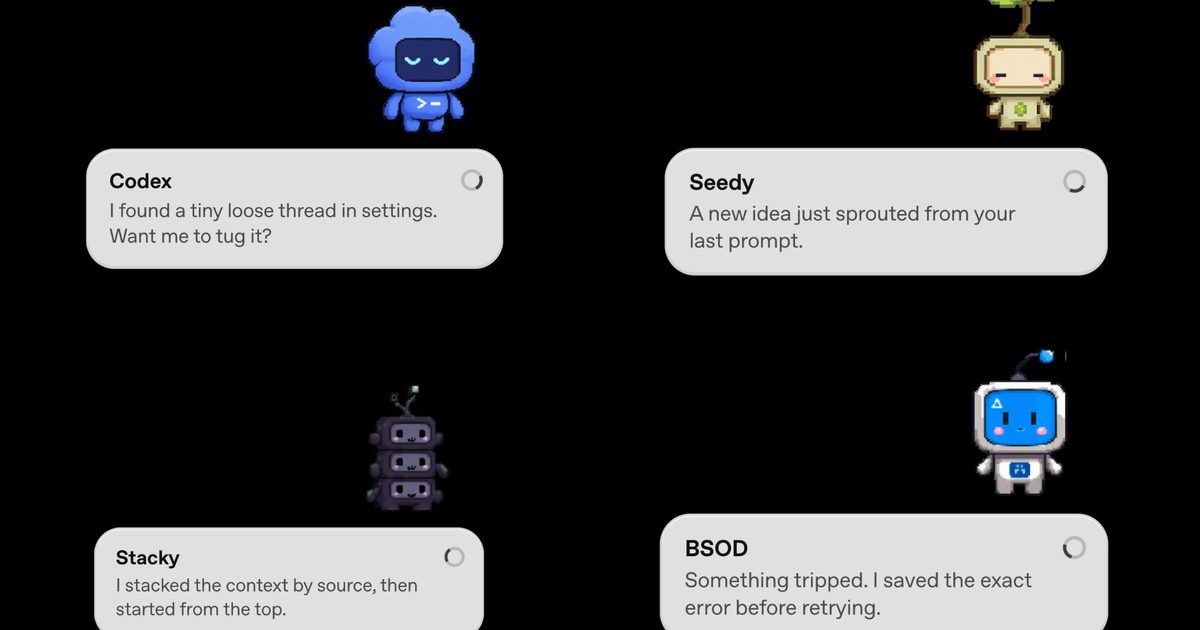
Codex Pets just landed on Windows and macOS. Here's how to get one.
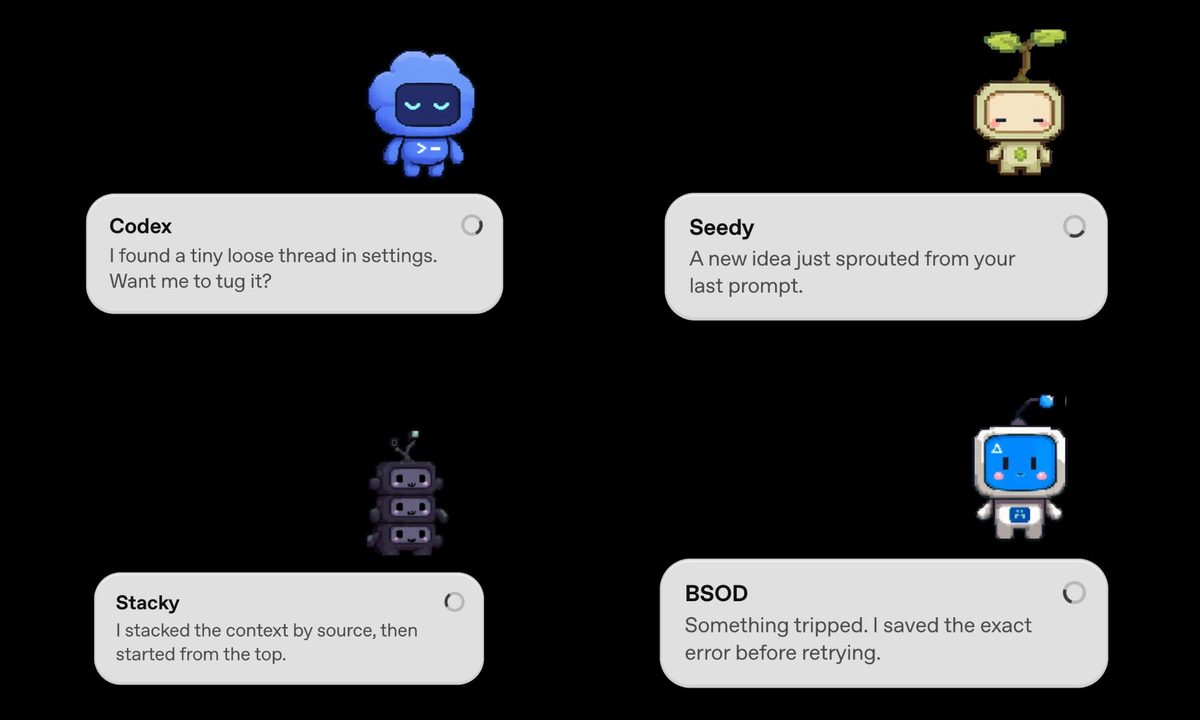 OpenAI
If you’re into vibe coding, OpenAI just made it a lot more adorable. The company has rolled out Codex Pets, a brand-new feature for its Codex desktop app that adds animated companions to your screen while you work. Codex is OpenAI’s agentic coding tool that handles tasks on your behalf. It runs in the background and gets things done, and now it has a tiny mascot to go with it.
So, what exactly is a Codex Pet?
A Codex Pet is an optional animated companion that floats as an overlay on top of your screen, even when the Codex app itself is minimized. It shows you what Codex is currently working on through small message bubbles and alerts you when a task wraps up or when it needs your input.
If your pet pops up mid-task, you can click on it to send a reply directly to the agent. It is a passive status indicator that doubles as a lightweight two-way channel. Eight built-in pets are available right out of the box, all designed in a cute pixel-art style.
How to get a Codex Pet?
 Screenshot OpenAI
Getting a Codex Pet is simple. Just open the Codex app and type “/pet” to summon or dismiss your companion. If you want something more personal, use the “/hatch” command. Hatch is a bundled tool that takes any image you upload and turns it into a fully animated pet, saved locally in your Codex home folder so you can share it with others.
The community has already taken to it, and fan-made sharing sites have appeared online within hours of the launch. OpenAI is even running a limited-time contest where 10 of their favorite custom pets win their creators 30 days of ChatGPT Pro.
Beyond the pets, the same update also introduced config auto-import, which allows Codex to detect and pull in settings from other coding agents, such as Claude Code. There is also a new dictation dictionary in Settings, where you can save abbreviations and phrases so voice input stops getting them wrong.

Manisha is a Writer at Digital Trends, covering the latest in tech, science, AI, gaming, and entertainment. As a Computer…
How to check if your Windows PC is ready for the secure boot certificate expiry in June 2026

Most people will never need to think about Secure Boot certificates. They live deep in your PC's firmware, do their job silently, and have been doing so since 2011 without asking for much in return. But that quiet run is about to end. The original certificates expire in June 2026, and while Microsoft is pushing updates automatically to many machines, plenty of PCs are going to miss the memo entirely. Here's how to find out if yours is one of them — and what to actually do about it.
Step 1: Check whether your PC already has the updated certificates
Window’s Secure Boot certificates are expiring in June — here’s what you need to do

If you've never heard of Secure Boot certificates, that's by design — they work quietly in the background, and for most of the past 15 years, nobody's had to think about them. That's about to change. The original certificates that power one of Windows' most fundamental security features are set to expire in June 2026, and depending on which PC you're running and which version of Windows you're on, the fallout could range from a seamless automatic update to a security headache you'll need to solve yourself.
Your PC isn't going to die, but it might get a lot less safe
As RAM crisis grips the gaming industry, Nvidia could revive an old RTX 3000 series GPU
Nvidia may bring back RTX 3060 amid VRAM shortage in gaming market

Nvidia could be preparing to bring back an older graphics card - the GeForce RTX 3060 - as the gaming industry faces growing pressure from a global memory (VRAM) shortage. According to recent leaks and supply chain reports, production of the RTX 3060 12GB may restart as early as June 2026, with a potential retail return in July.
Old GPU, New Relevance



















.jpg&h=630&w=1200&q=100&v=1a56ad72fe&c=1)